

How much does workshop software cost, and what changes the price
For a made-to-measure workshop, the answer to "how much does workshop software cost" comes in three parts, each with a question to ask the supplier.
Ask a supplier "How much does workshop software cost?" and you often get a number before anyone has asked what your workshop does. A stone workshop with three people and a saw does not need what an aluminium joinery with a cutting line, five fitters and a van needs. The price should follow the work. Before you compare two offers, find out what each price is made of.
For a made-to-measure workshop, the software is usually priced in three parts: a subscription for the plan, the number of people who use it, and options you add when you need them. Each part answers its own question. The plan sets what the software does for you, and the users count how many people work in it. The options cover what else the business runs on, such as a shop counter or a team paid by the piece.
The price comes in three parts
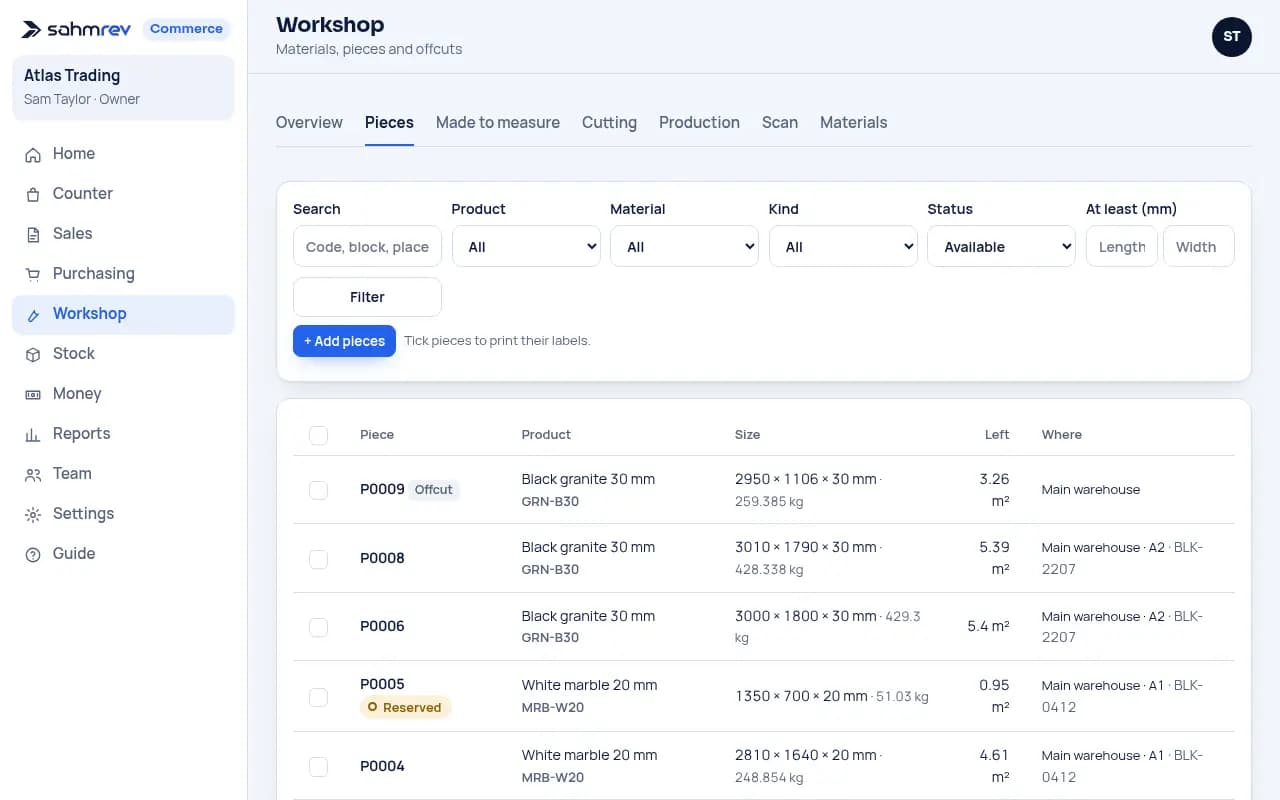
The plan is the largest part, and workshops overpay on it most often. Choose it by the work that happens in your workshop. If your problem is stock you cannot find and quotes that take an afternoon, you need numbered pieces and offcuts, quotes built from your own rules and cutting plans for your slabs, sheets or bars. If nobody knows which job is at which station, you also need work orders followed step by step, stations and routings.
Users are the second part. Most plans include a number of users and charge for each one beyond it. Before you compare, count the people who will sign in: the person who quotes, the person who buys, the workshop lead, and anyone who closes steps on a phone. Fitters who only need to see their next job may not need an account of their own if the workshop lead plans for them.
Options are the last part. A workshop that also sells over a counter needs a till. A workshop with artisans needs clocking in, leave and monthly pay. A company that must send invoices to a tax platform needs e-invoicing. An option is worth paying for only when you use it. A bundle of options raises every price, so ask for each one as a separate line that you add and remove.
Getting started is not one of the three parts, but ask about it, because it is the cost most often left out of a quote. Someone has to set up the workspace for your trade, bring in your products and opening stock, and show your team how to work in it. Some suppliers charge a setup fee for this, and when the quote leaves it out, the work comes back to you as evenings spent typing a price list. In our case no plan has a setup fee: the workspace starts set up for your trade, and you import your products and opening stock from Excel yourself. If you want us to import your files, train your team, spend a half day on site in Morocco or set up your Workshop templates with you, that is accompaniment, a separate service quoted on request.
What moves the price
Two things change the price more than anything else. The first is how many people use the software every day. The second is how much of your work you want it to carry: stock and quotes only, or the whole path from the quote to the delivered job. Region matters too, because prices are set per currency, and so does the billing: paying yearly usually costs less than paying monthly.
Count the costs not on the quote too. No software quote lists them. You probably already have phones and a computer. A label printer is useful once your slabs and offcuts carry QR labels. The time your team spends learning is real. It is shorter when the software starts the way your trade already works: the products, the units, the documents and the prices of your trade are there on the first day, and you change them later.
The most expensive cost comes after the contract, when you need a change and can only get it by paying for development. Ask how the software adapts to your workshop. If every change is a project, you will pay more than the price you see. sahmrev Workshop adapts through settings and templates, without any rebuilding. It includes everything in sahmrev Commerce: sales, purchasing, stock and money. You do not buy a second product to invoice what the workshop makes.
Five questions for comparing two offers
When you compare two offers, ask the same five questions to both. What exactly does the plan include for a workshop like mine? How many users are included, and what does one more cost? Is there a setup fee, and who imports my data? Which options will I need in the first year? And what happens to the price when I need a change? The answers turn two numbers into two offers you can compare.
The fastest way to know whether a plan fits is to try it on your own work. The live demo is open with a full workshop in it, and the trial runs for 14 days without a card. The stone workshop page shows what the slabs, the offcuts and the cutting plans look like, and the Workshop page shows what the product includes.
Common questions
- Is the price per user or per workshop?
- Usually per user: most plans include a number of users and charge for each one beyond it. Count the people who will really sign in before you compare two offers.
- Is there a setup fee?
- No. No sahmrev plan has a setup fee: your workspace starts set up for your trade, and you can import your products and opening stock from Excel. If you want help with your files, your team’s training or your templates, accompaniment is a separate service, quoted on request.
- Can I try it before I pay?
- Yes. The live demo is open to anyone, and a trial runs for 14 days without a card.
- Do I need another product for sales, stock and invoices?
- No. sahmrev Workshop includes everything in sahmrev Commerce, so quotes, orders, deliveries, invoices, purchasing, stock and money are part of it.