

Farms and cooperatives
Set today’s prices once for every buyer.
Software for farms and cooperatives that follows the harvest from the stock entry to the buyer’s delivery, sold at the price of the day.
How the work runs
Send buyers today’s prices
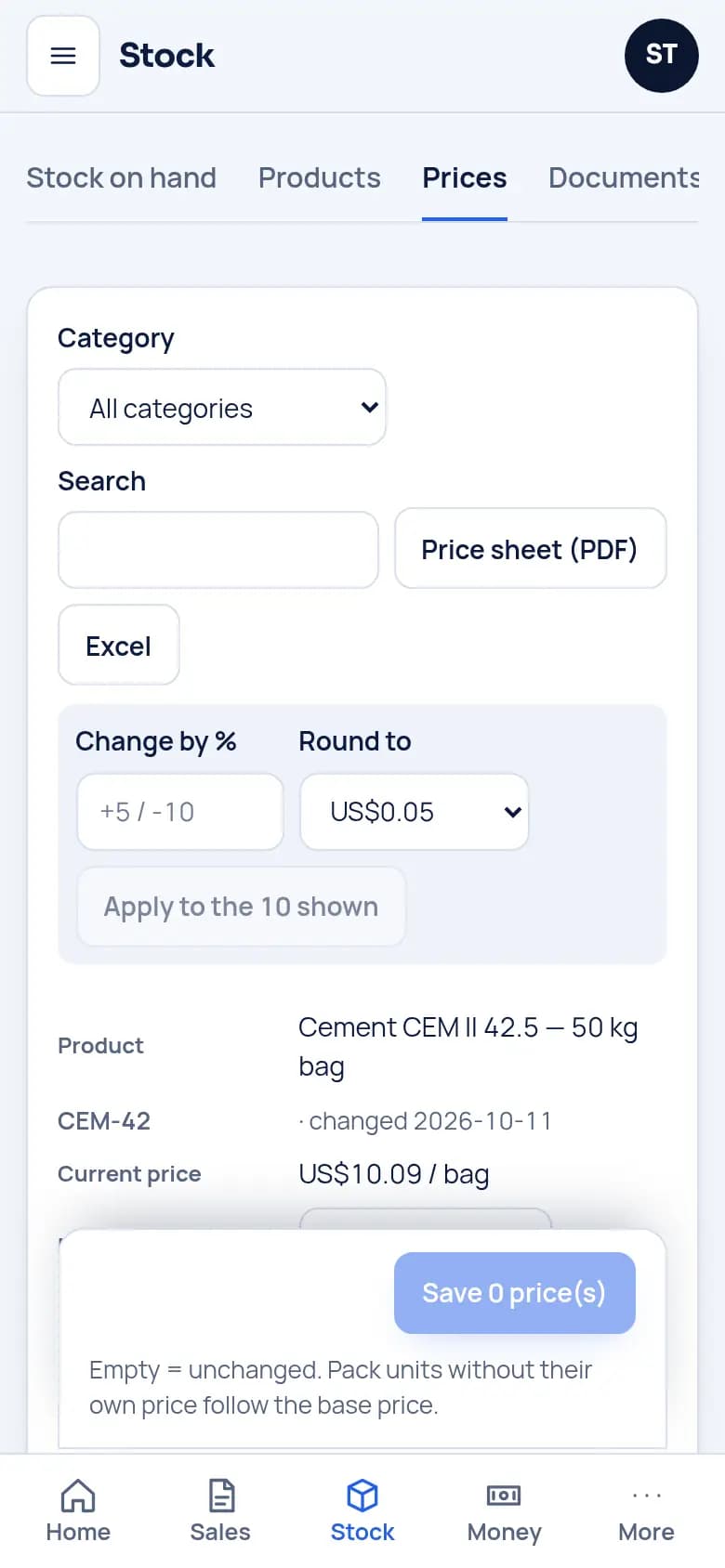
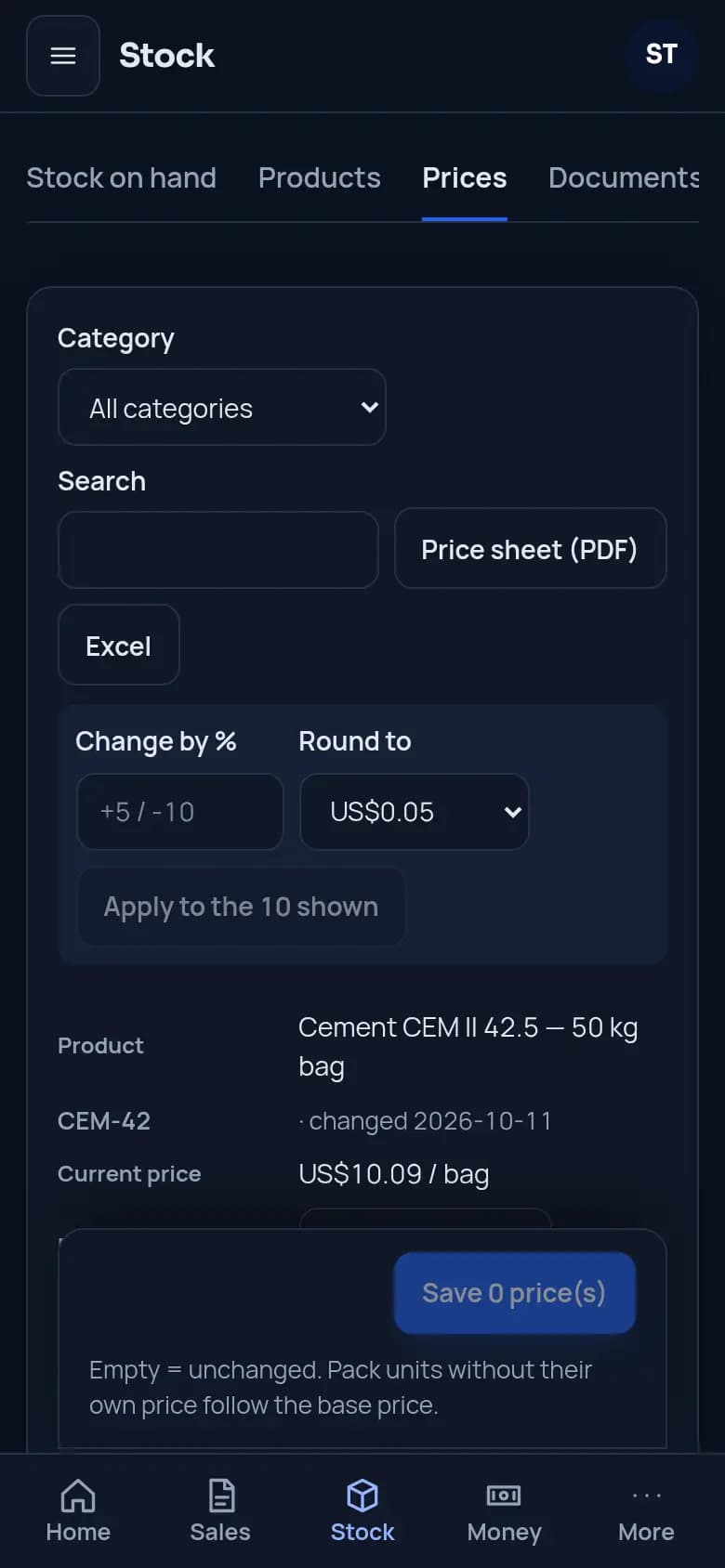
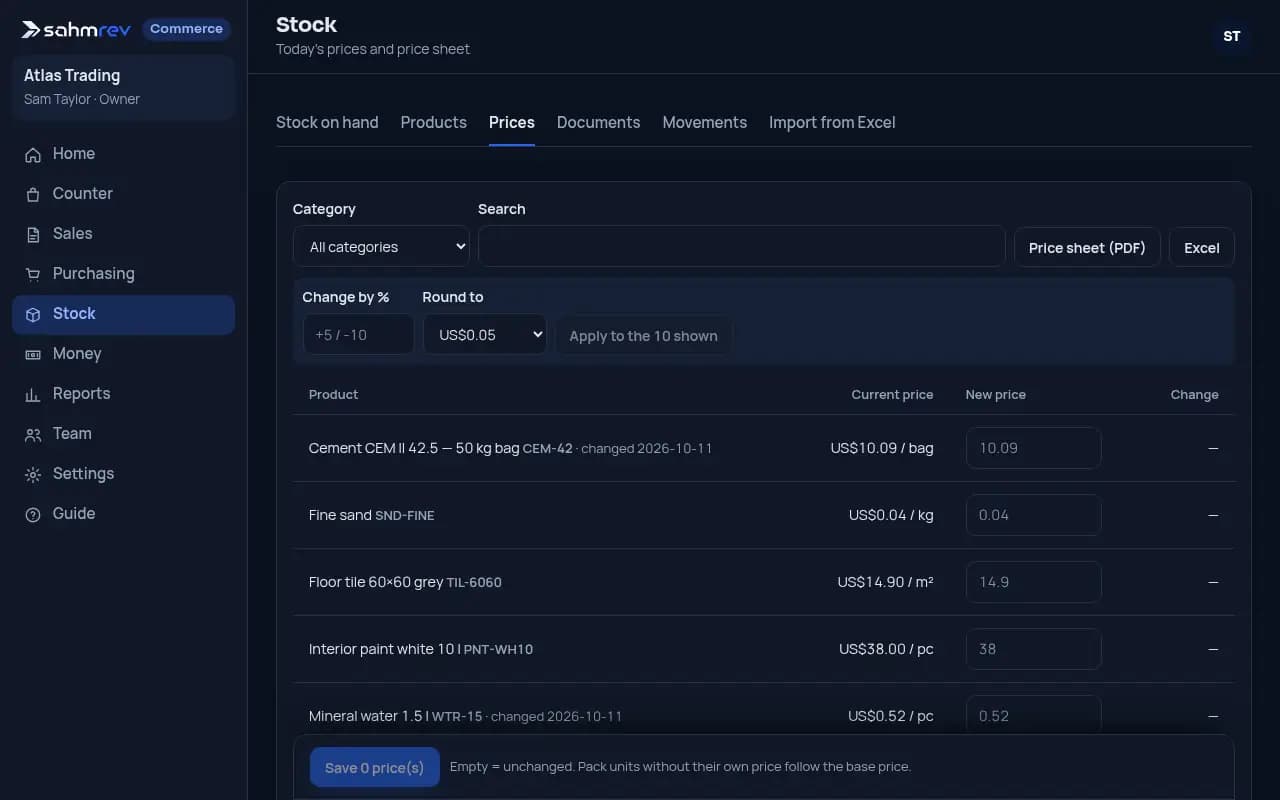
Set today’s prices in one screen, product by product or by a percentage on a whole category. Send the price sheet to buyers in PDF or Excel.
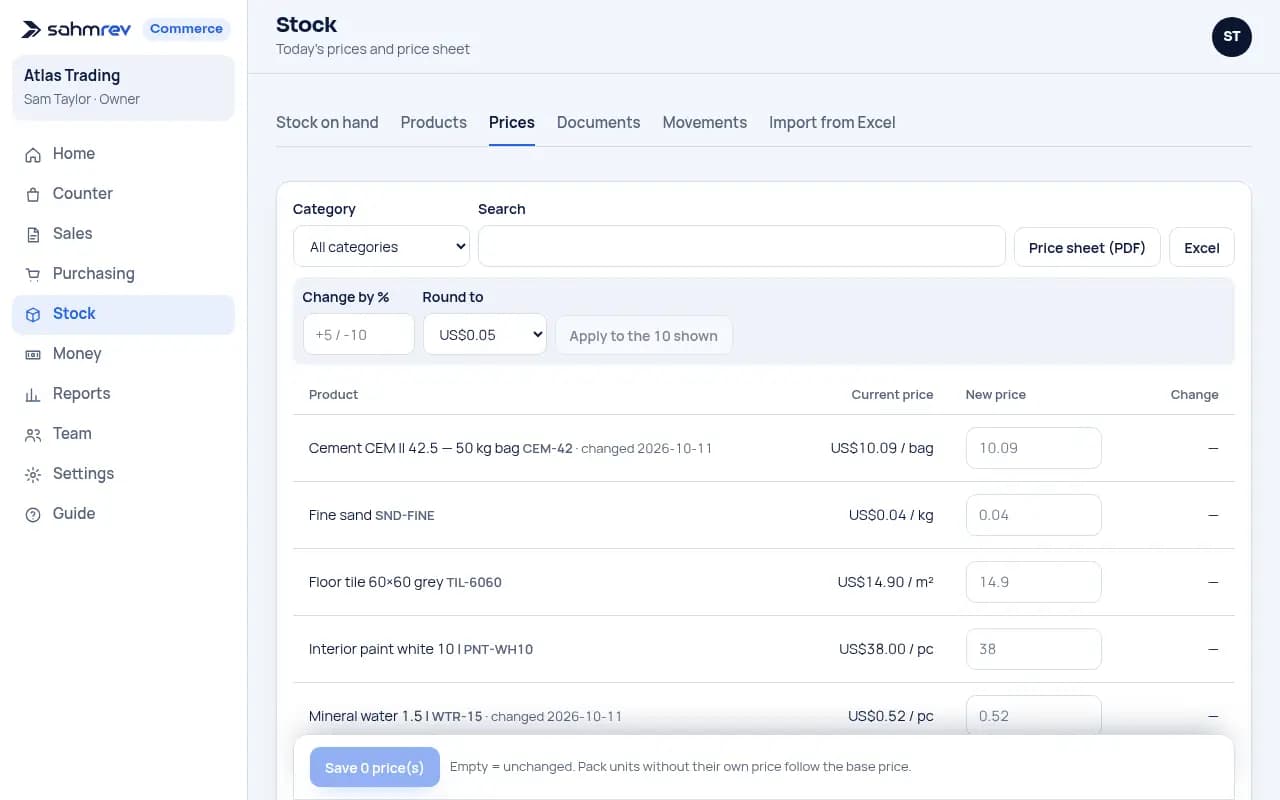
Send buyers today’s prices. Demo data. Count each worker’s days
With the HR option, seasonal workers clock in on a shared tablet with a PIN. Pay by the day is counted from the month’s attendance.
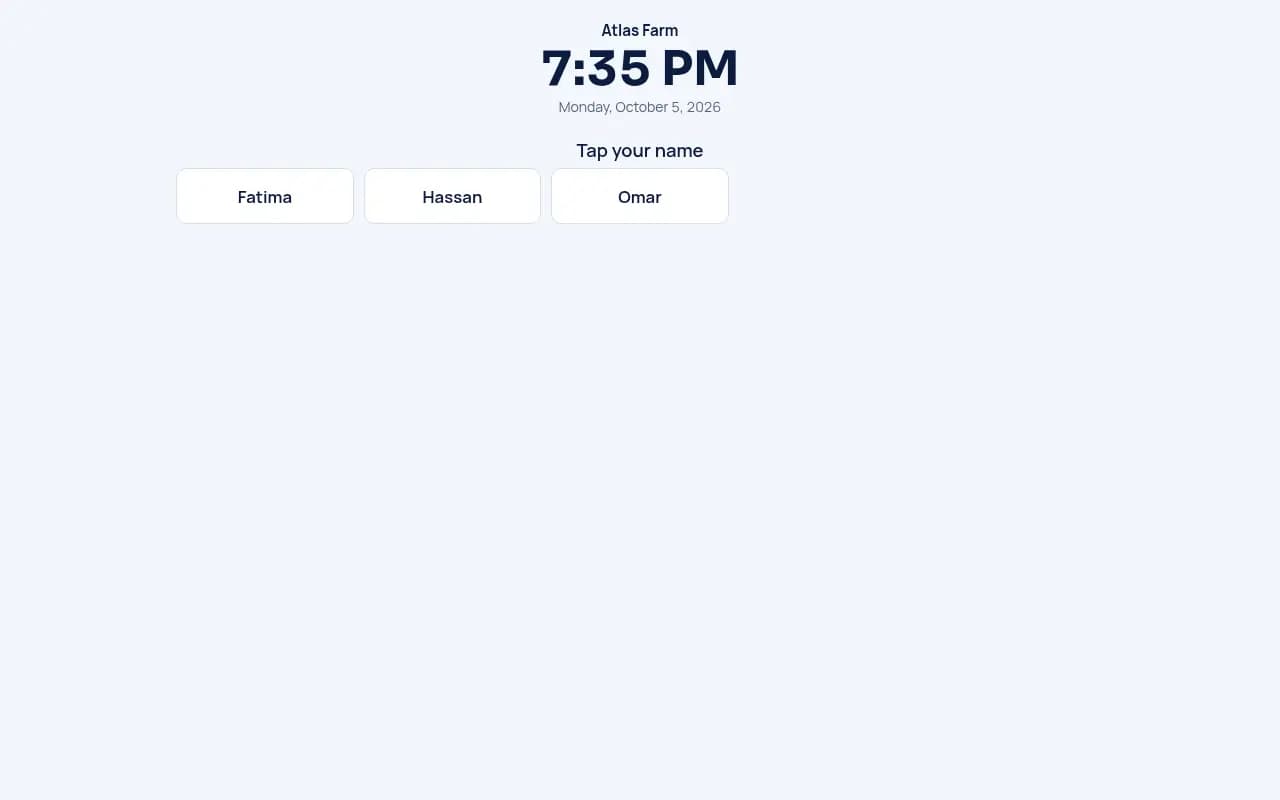
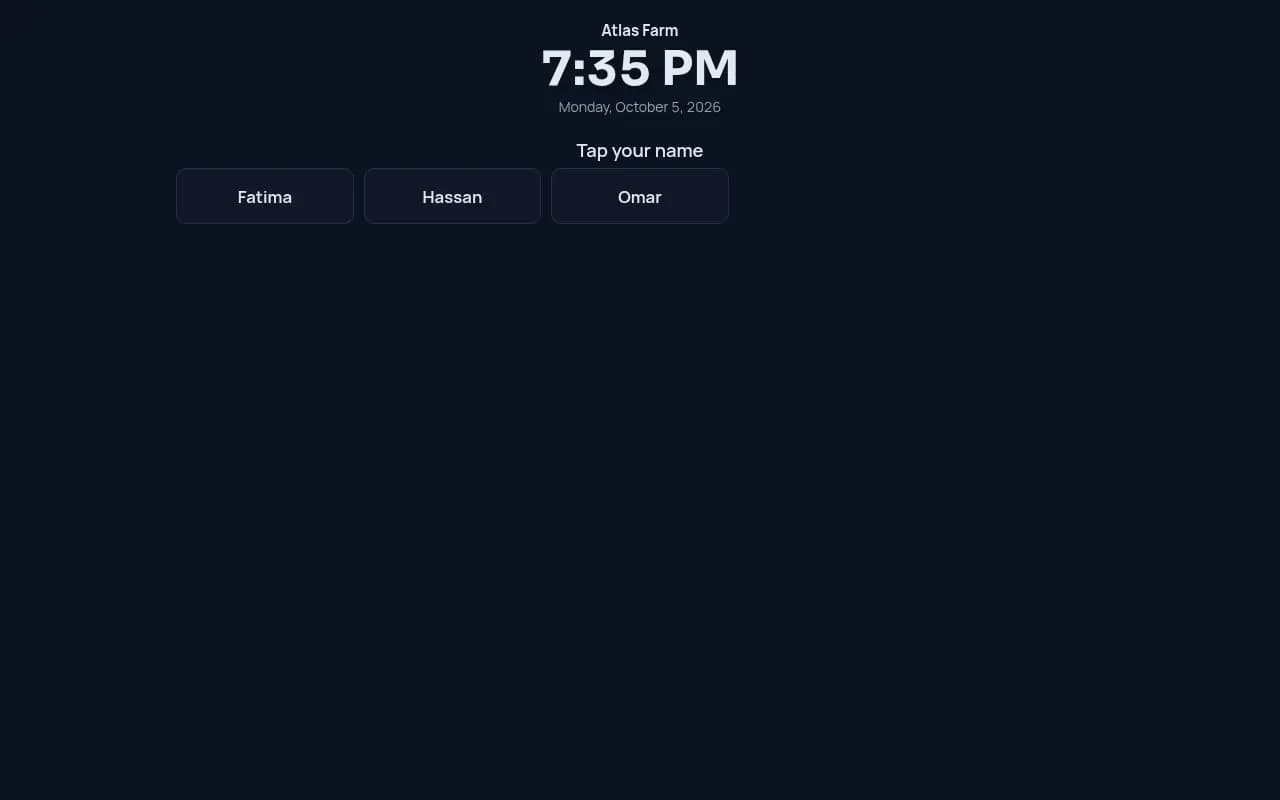
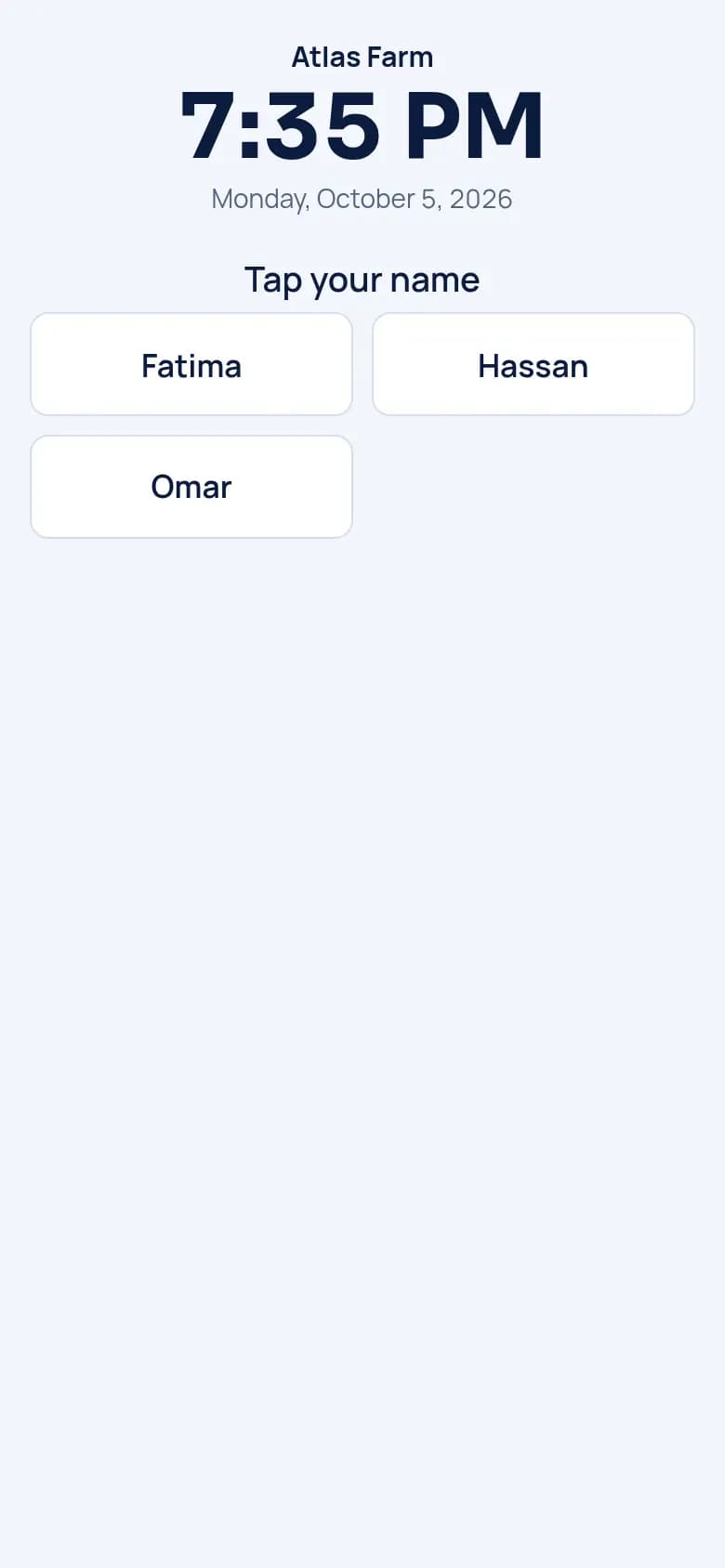
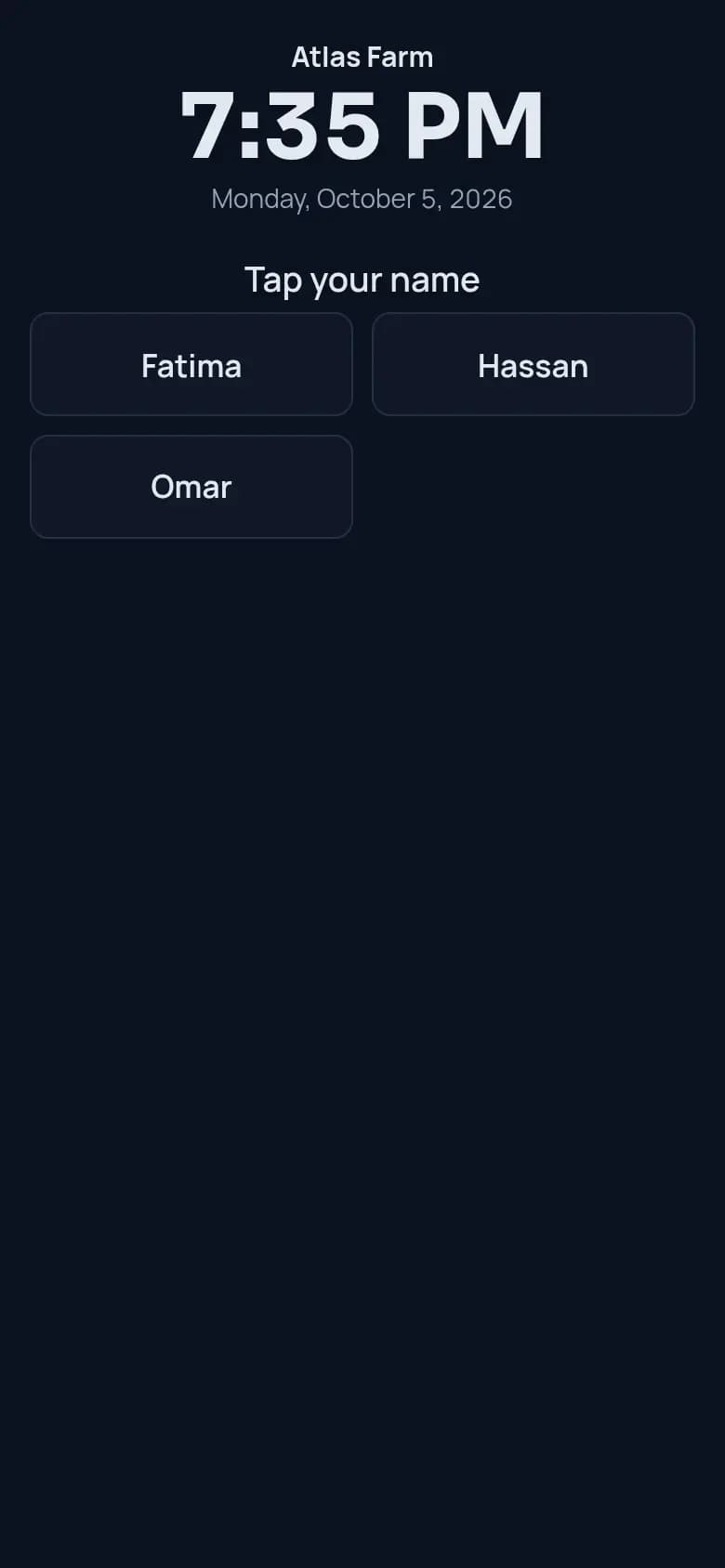
Count each worker’s days. Demo data. Sell by weight or by crate
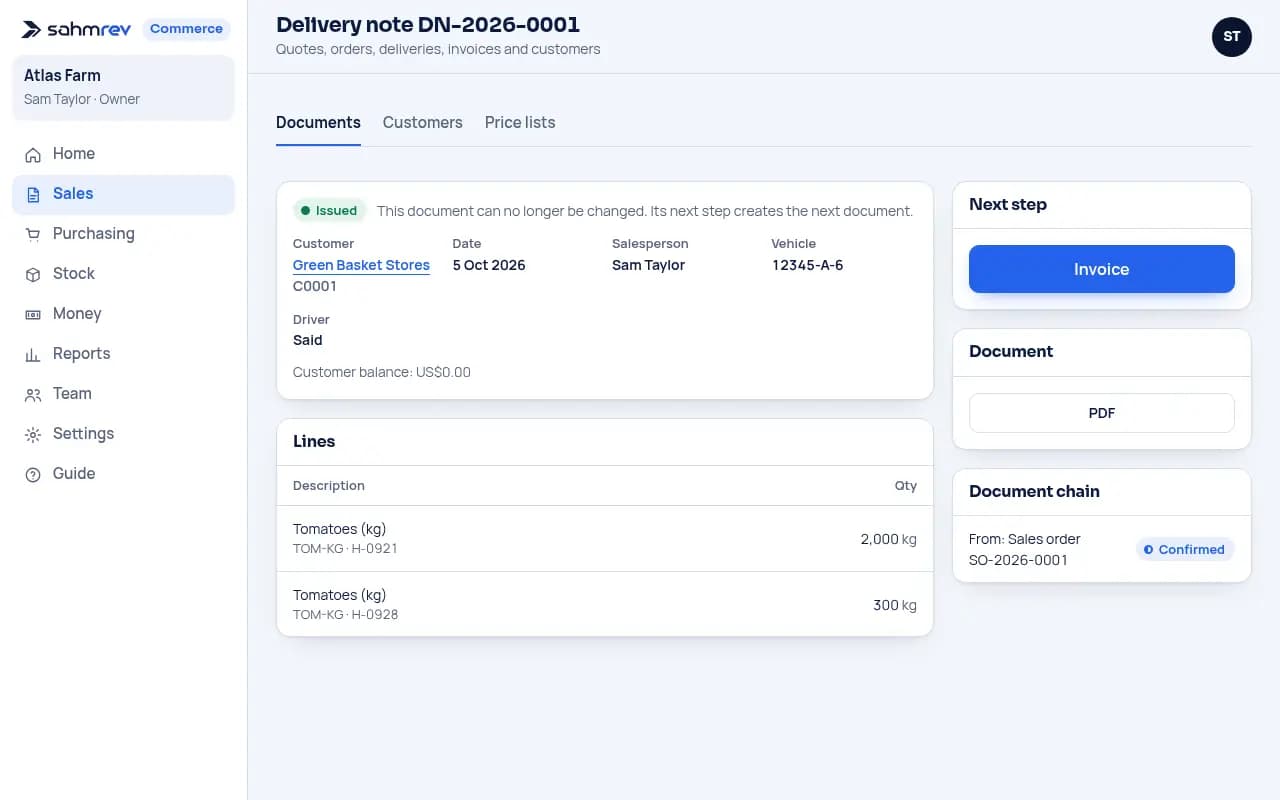
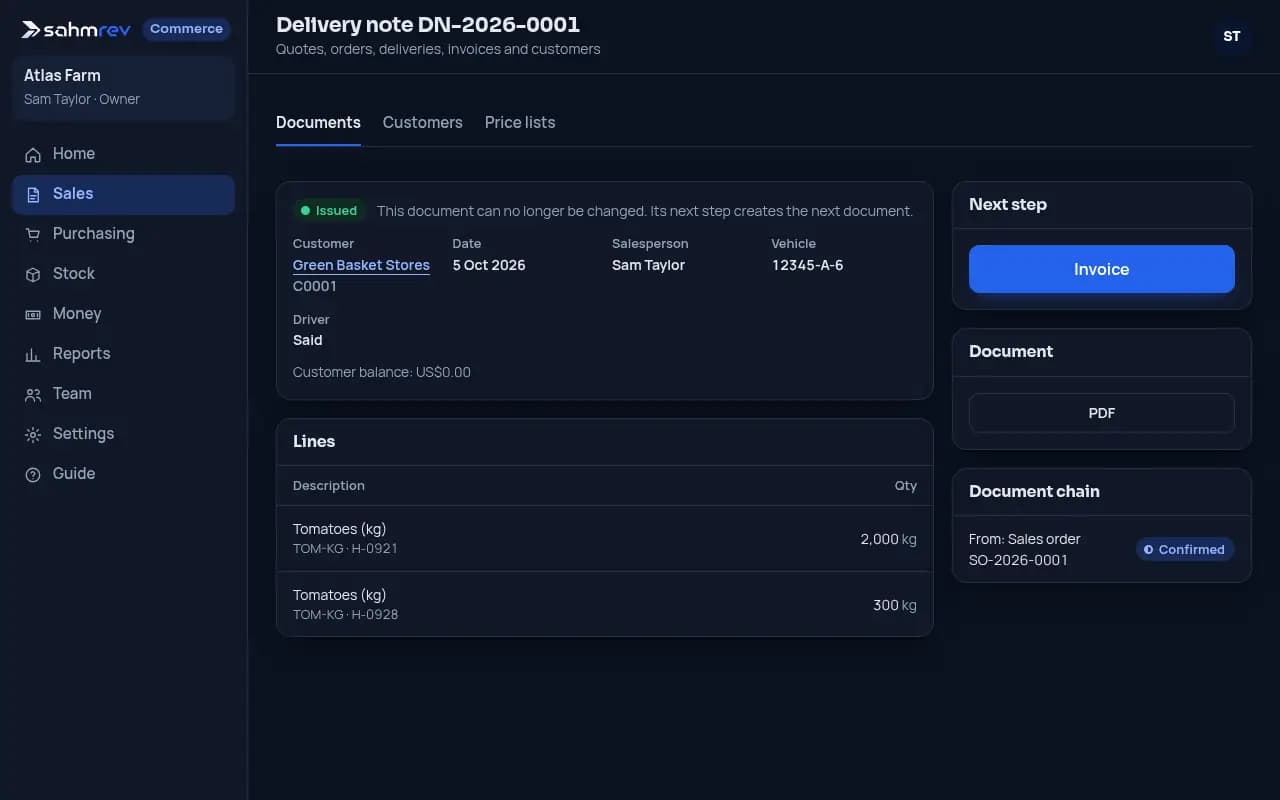
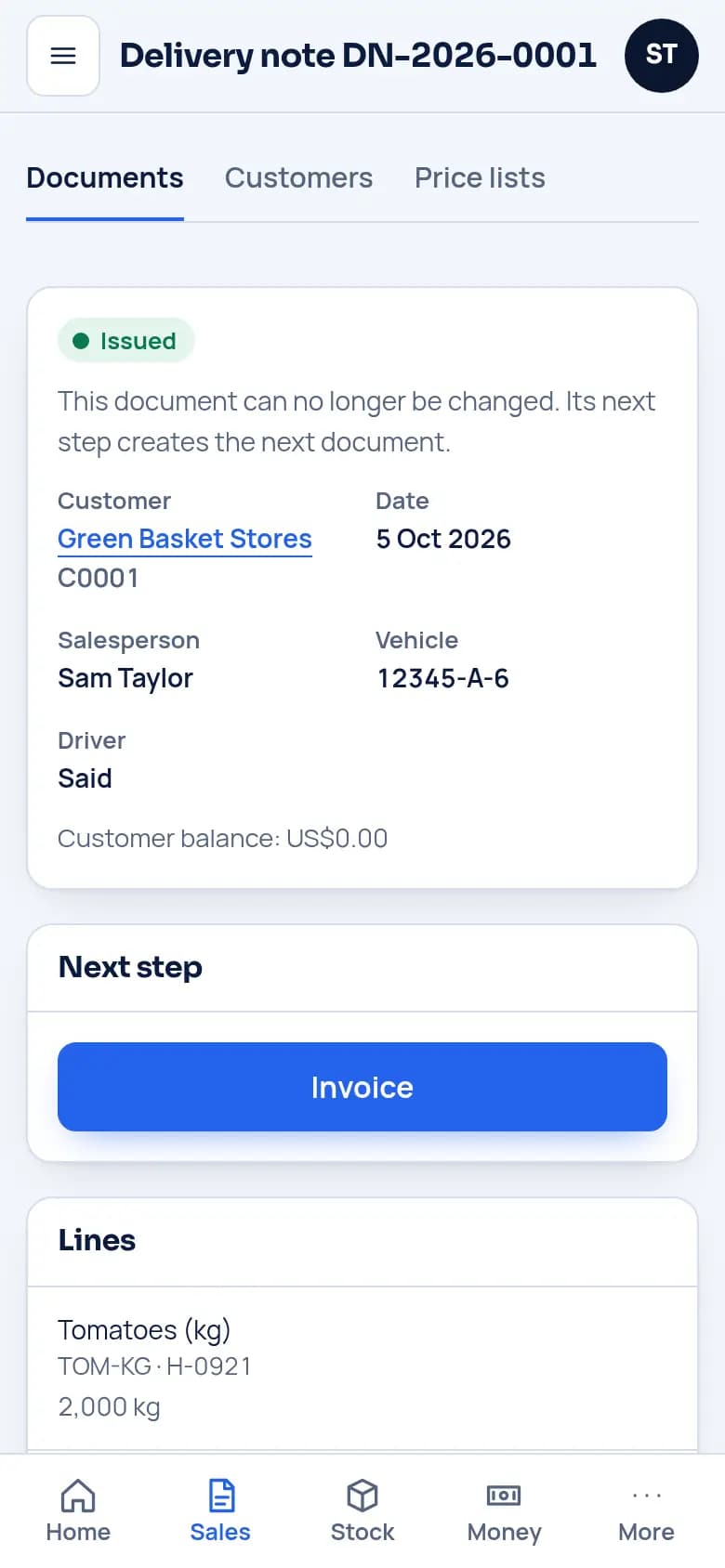
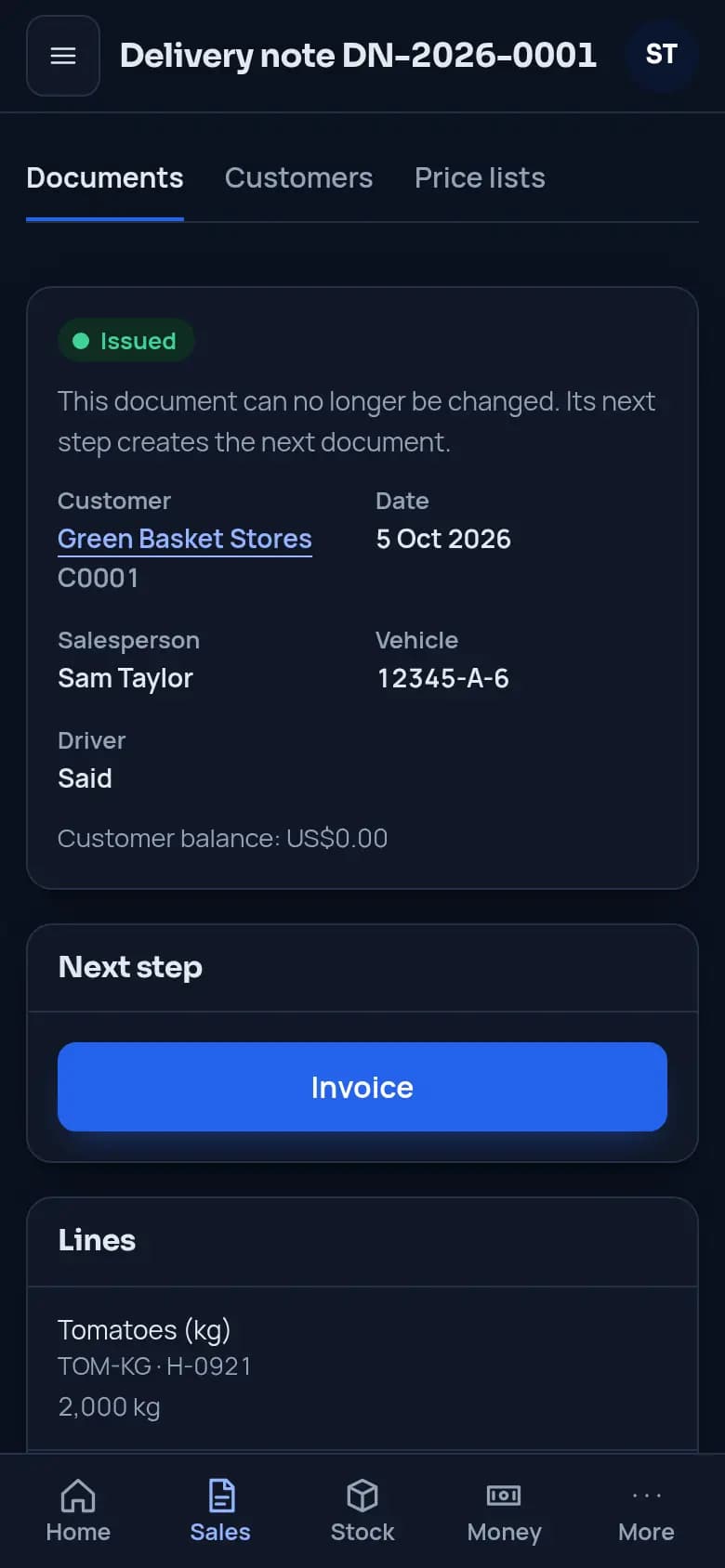
Sell by the kilo, the crate or the tonne, and services such as tractor work by the hour. Deliveries take the lot with the earliest date first and show the vehicle and the driver.
Sell by weight or by crate. Demo data. Know what you owe suppliers
You buy seeds, fertiliser, plant protection and feed through supplier orders and receipts. You see what you owe each supplier and when.
Put each harvest into stock
Each harvest is a stock entry, as a lot with its date, in kilograms or tonnes.
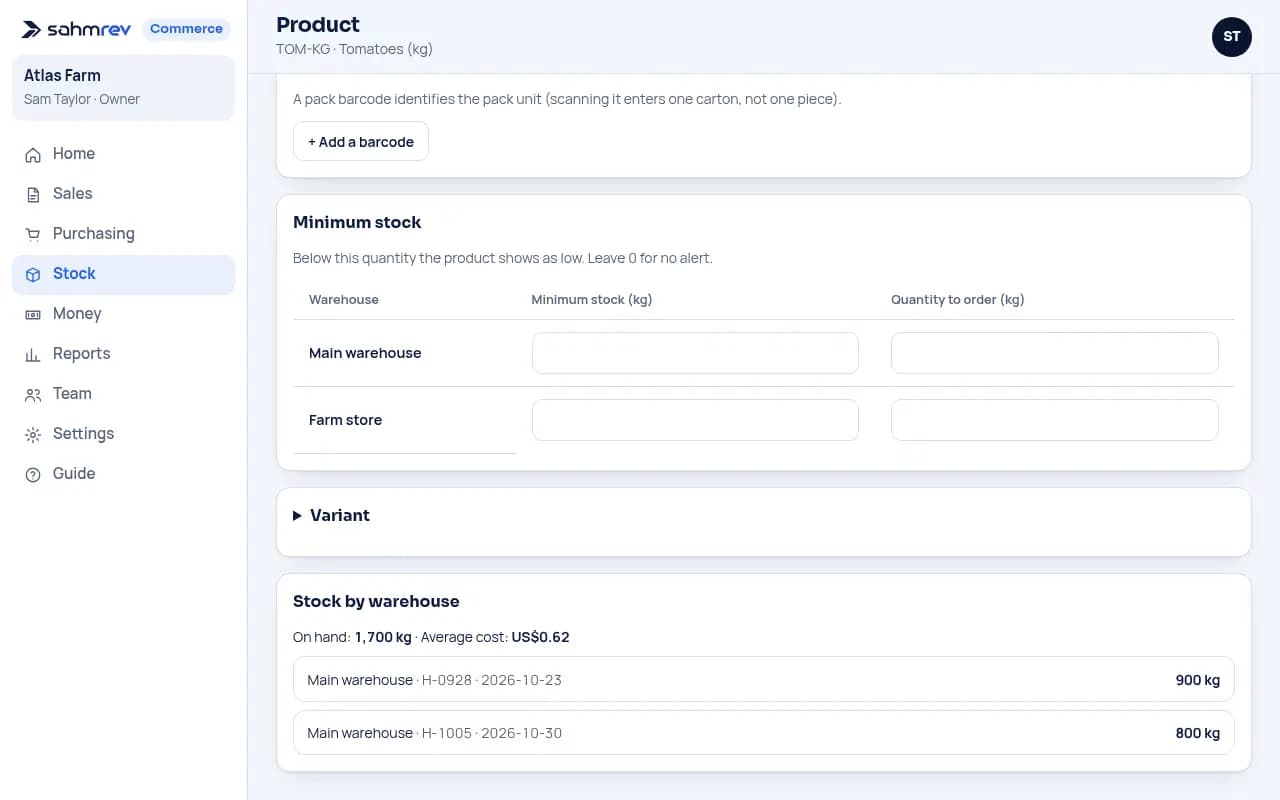
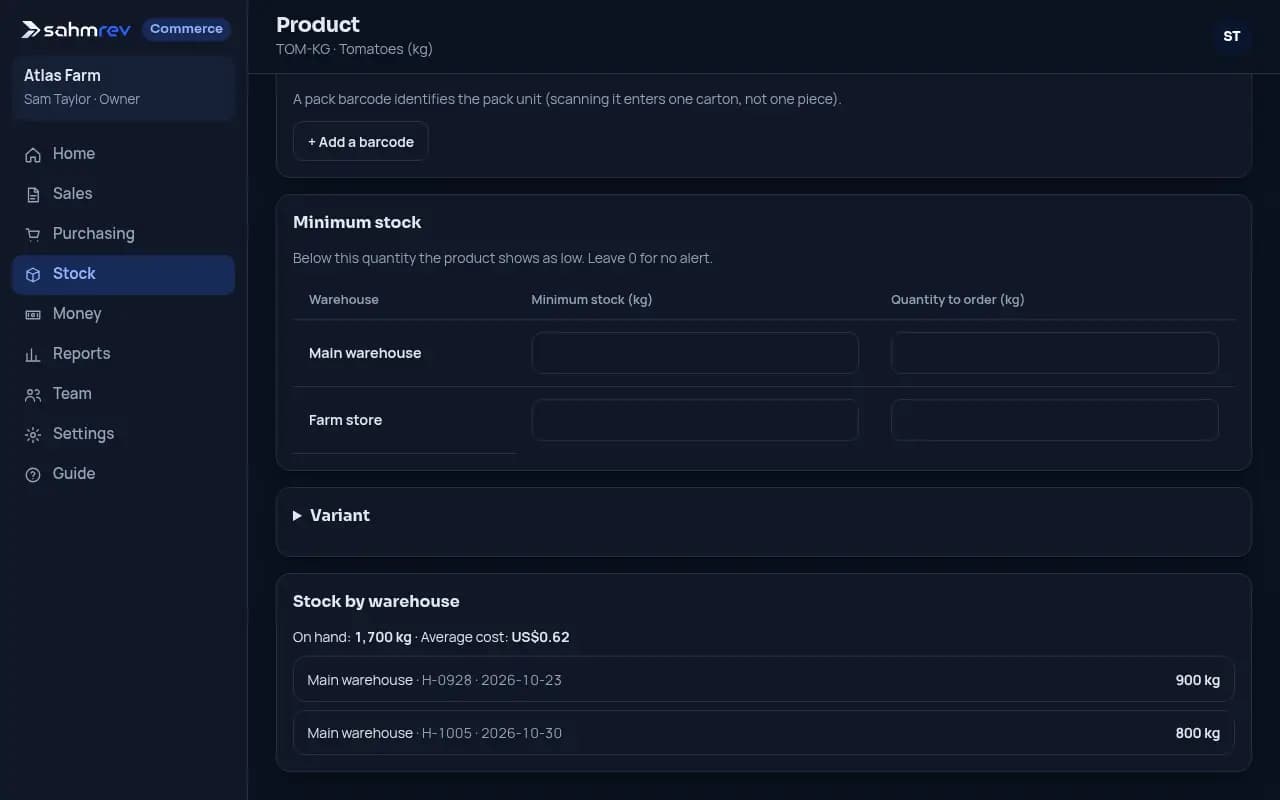
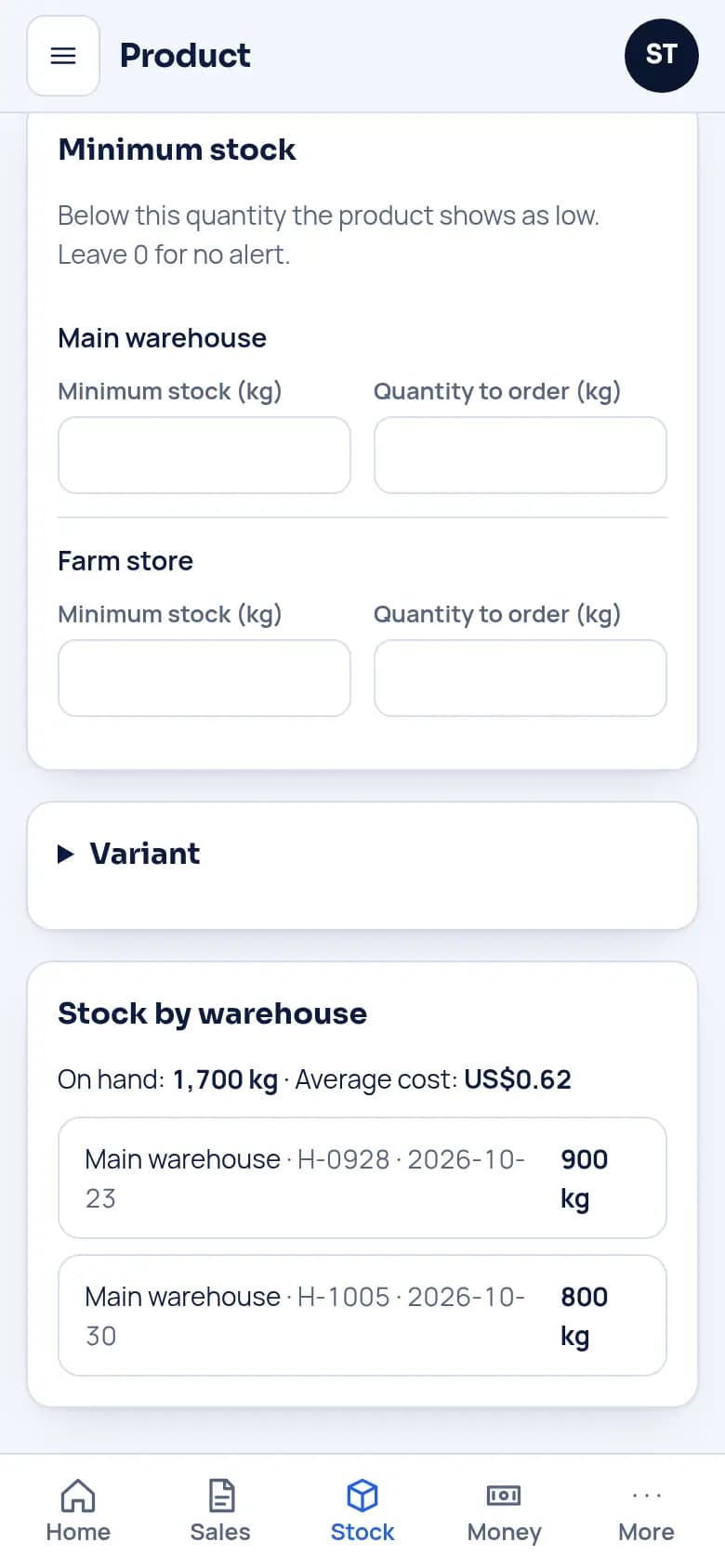
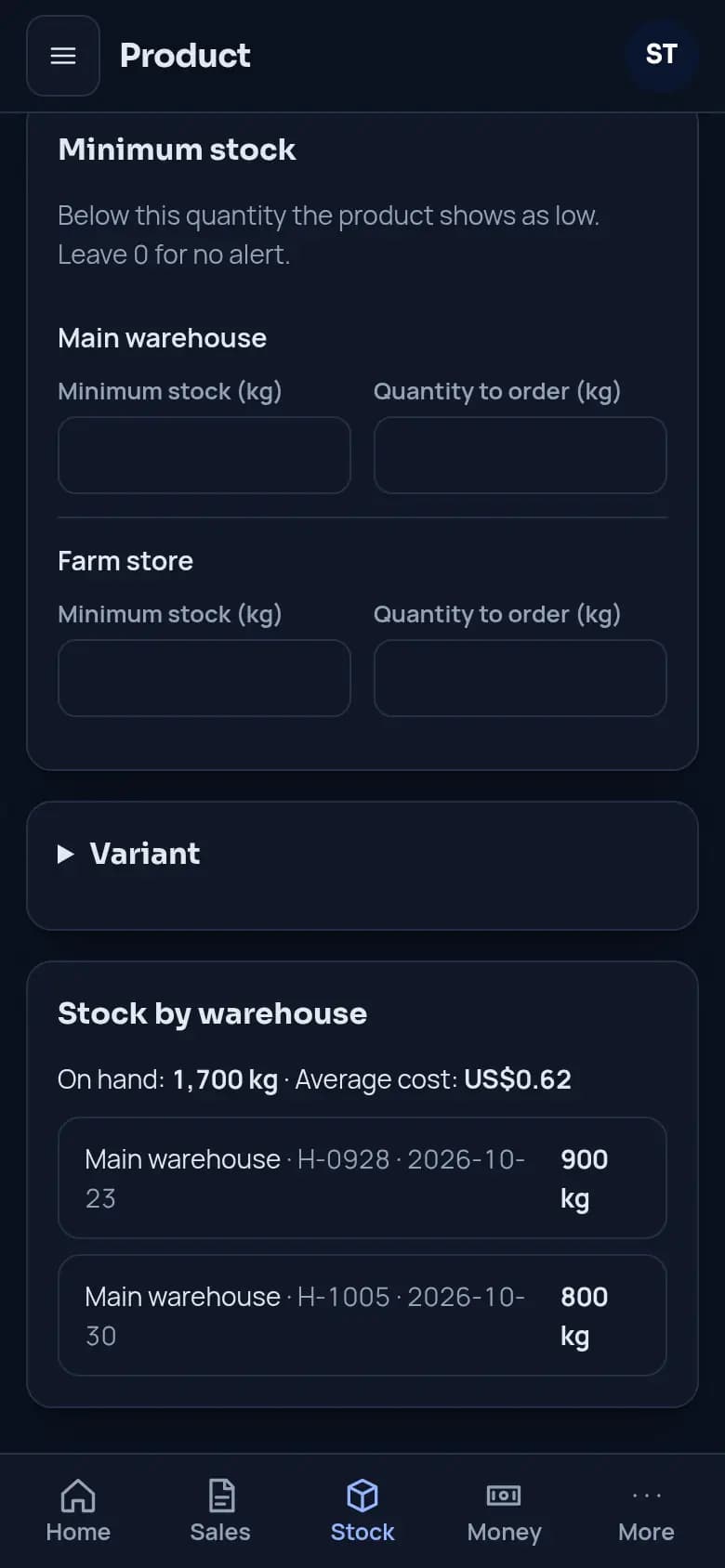
Put each harvest into stock. Demo data.
100 crates leave as 2000 kg
The farm setup sells tomatoes by the kilo and by the crate of 20 kg. An order of 100 crates leaves the farm store as 2000 kg, taken from the lot with the earliest date first.
Try it with a full demo company
Customers, stock and invoices are already there. Change anything, since it is rebuilt every night.
Open the live demoThe counter and HR are options, and some features depend on your plan.
The same product for other trades
Food wholesale · Building materials · Retail shop
See sahmrev CommerceStart today, with the demo or a message.
A few lines are enough. We reply with our questions and the next steps.