

Field
Plan the week, finish the report on site.
Field service software for technicians in HVAC, elevator, fire safety and maintenance companies, from the planned visit to the signed report the client receives.
One visit, from the plan to the client
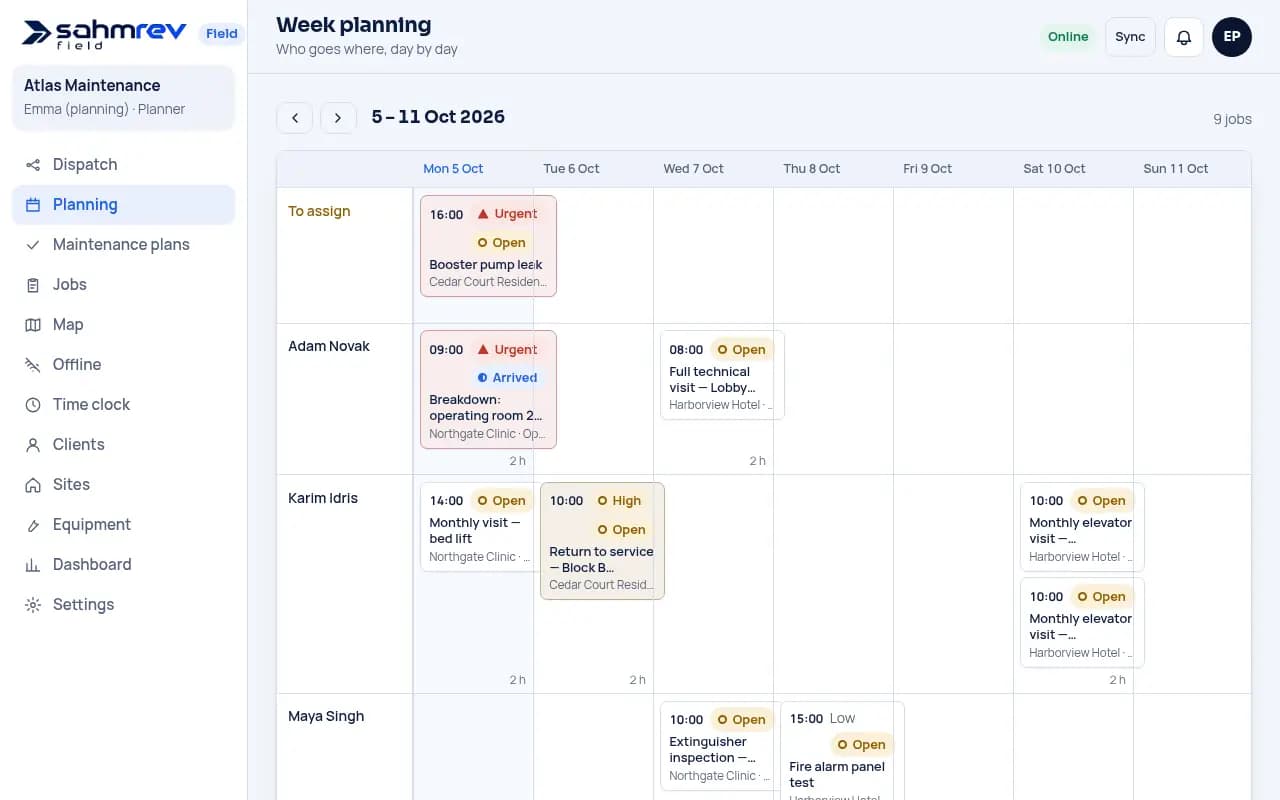
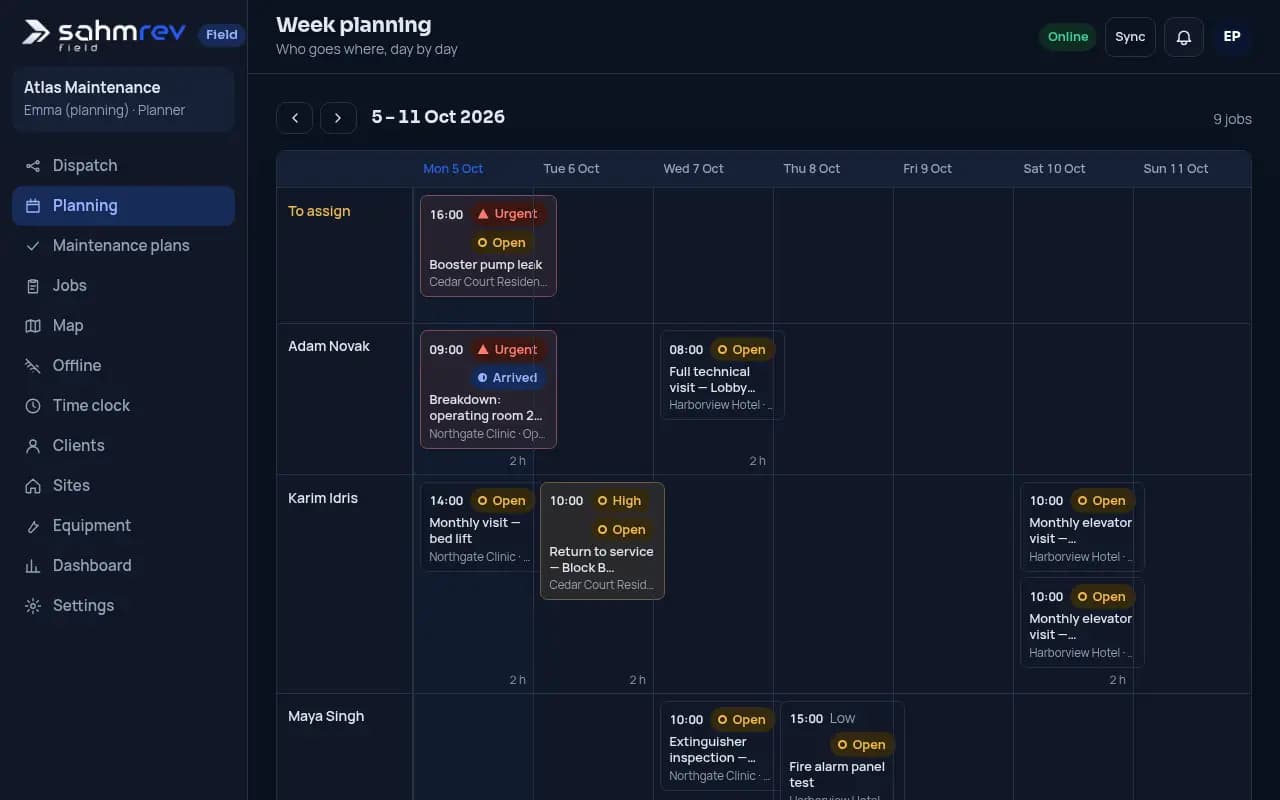
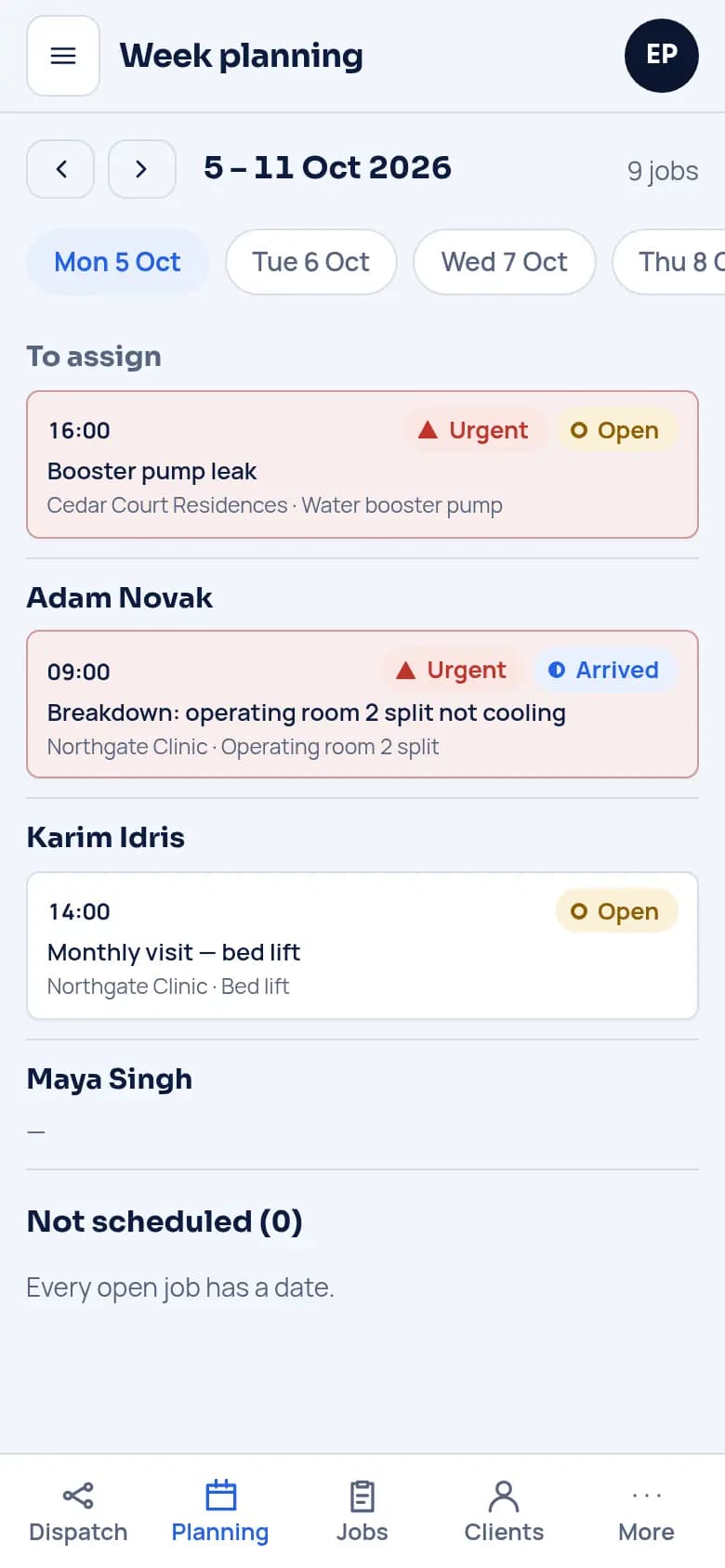
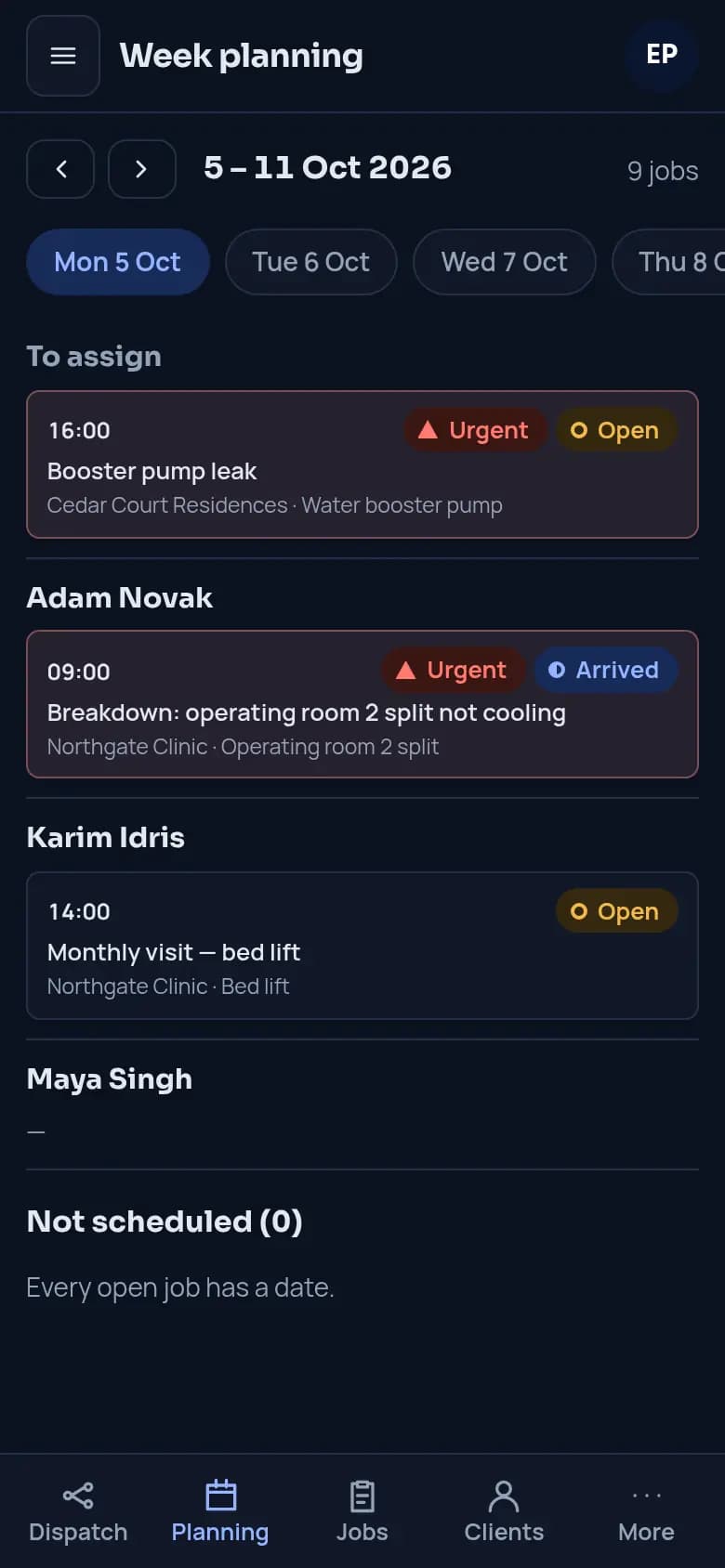
Plan the week
Drag jobs onto a technician and a day, and contract visits appear on schedule.
The job on the phone
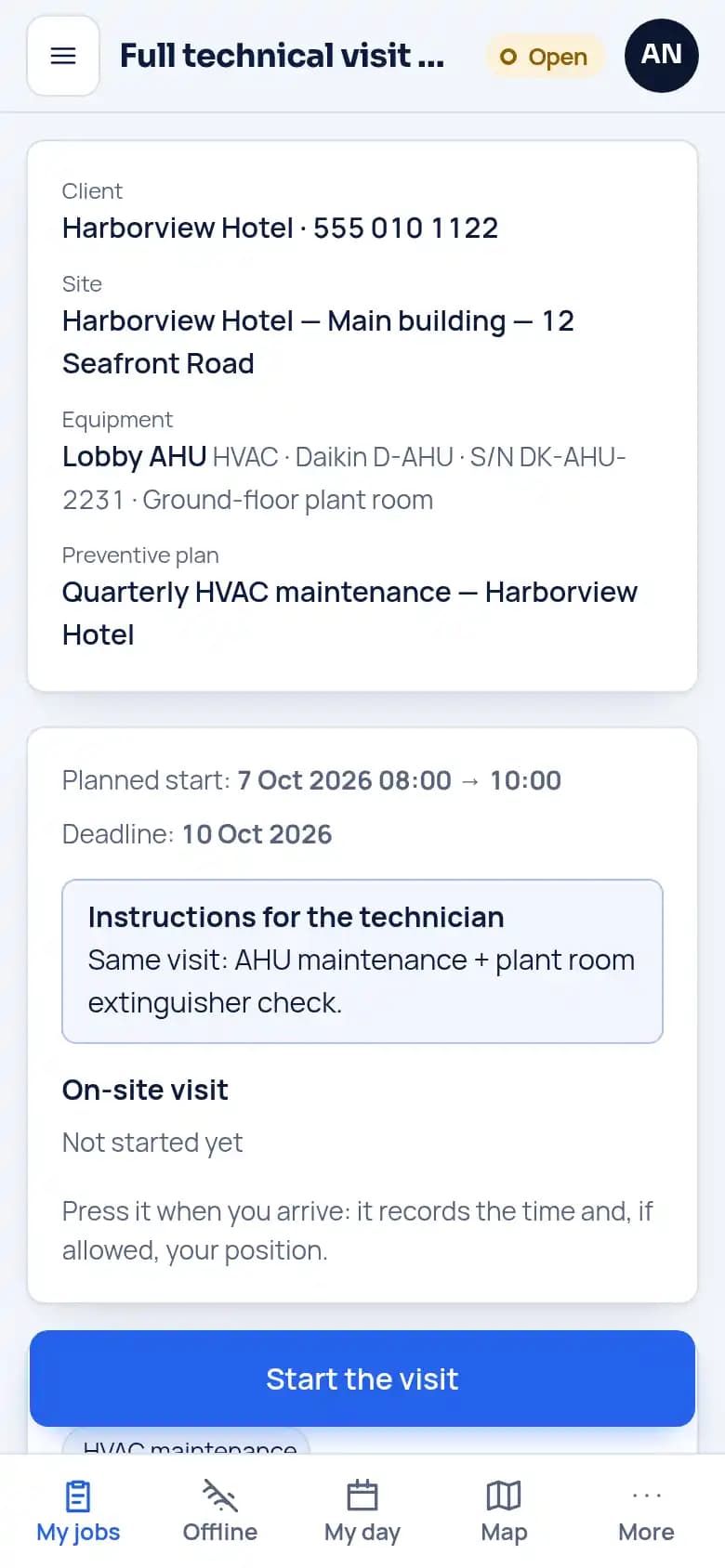
Client, site, equipment and instructions, downloaded to the phone and open even without signal.
Report with photos and signature
The technician fills in checklists and readings, adds photos and takes the client’s signature.
To the client
The office approves and shares the PDF, and its QR code opens the report online.
What is inside
- PlanningA week view by technician, with unscheduled jobs in one list and a map of the day.
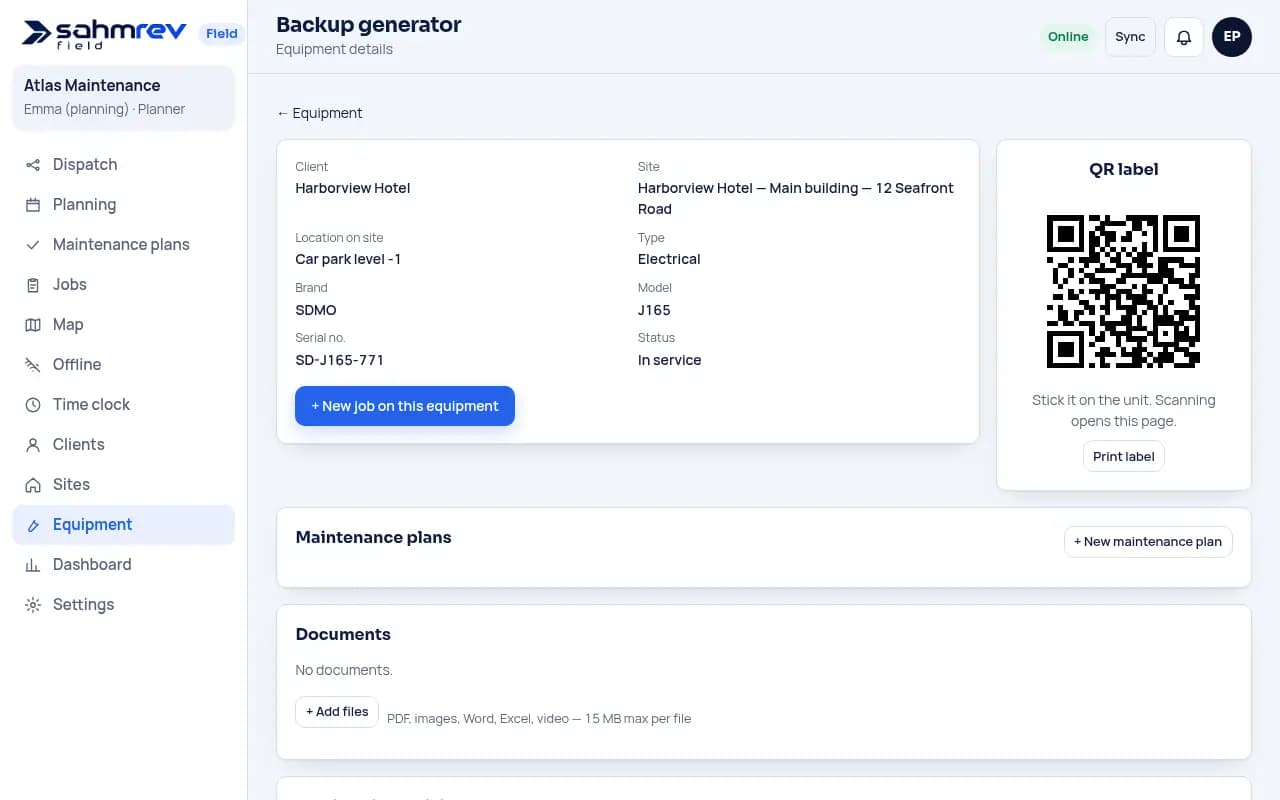
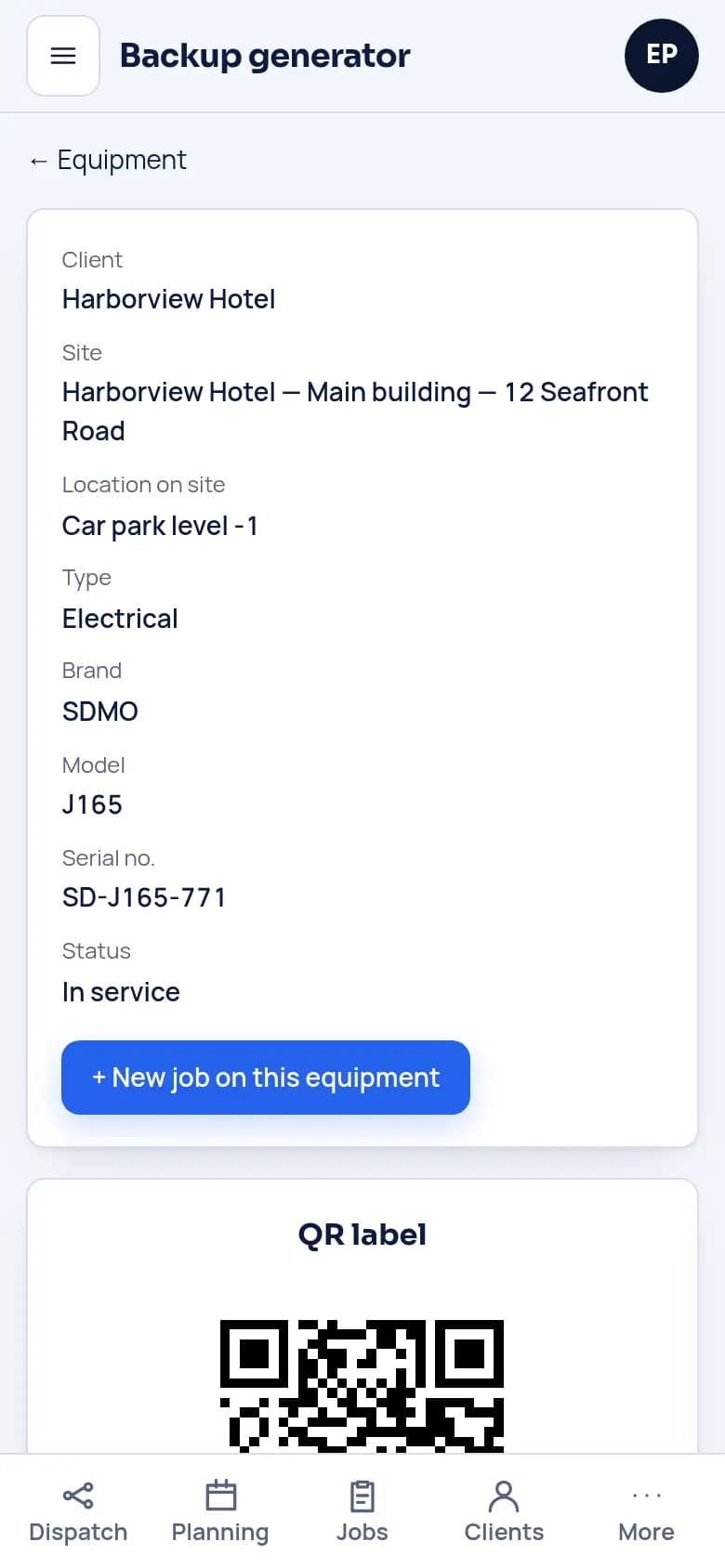
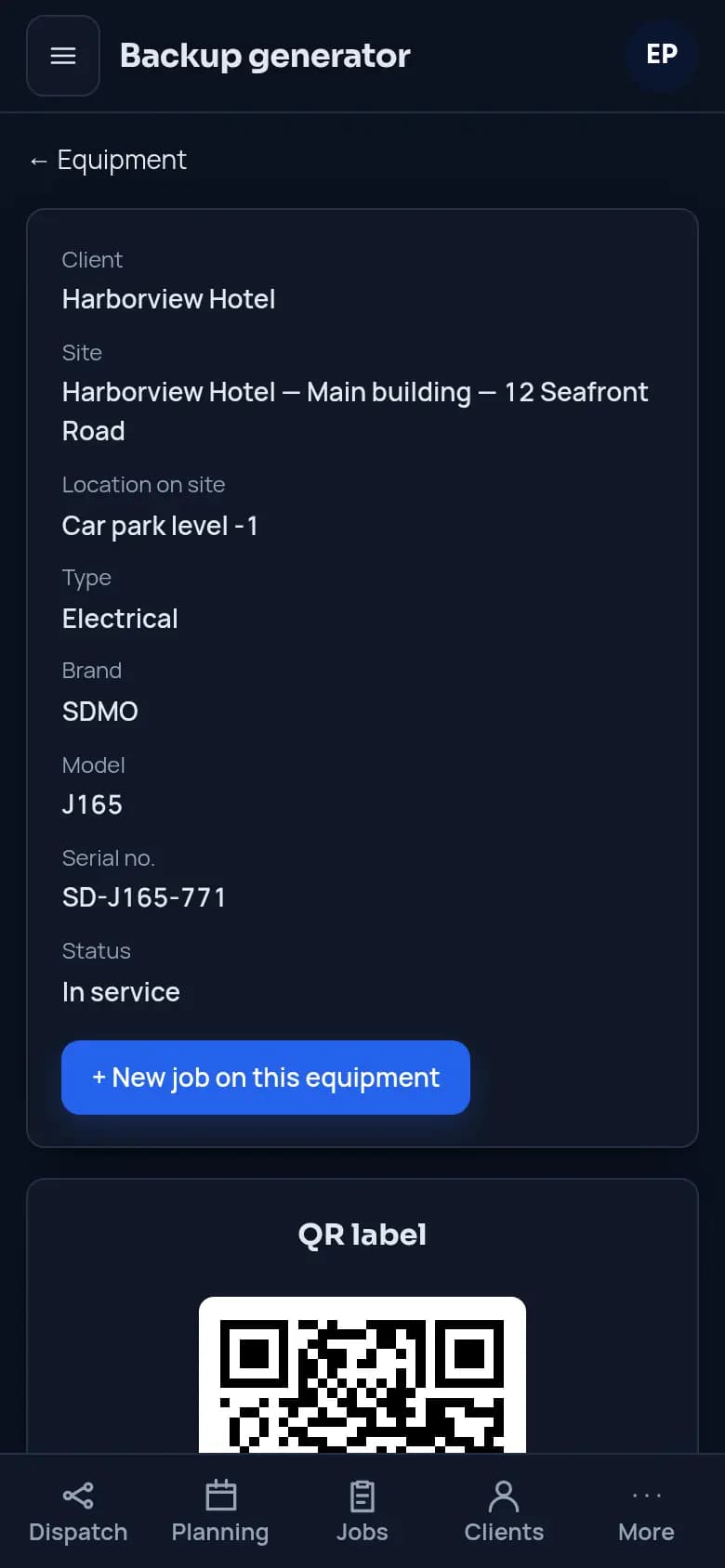
- EquipmentEvery unit with its history and a printable QR label.
- ContractsMaintenance plans that create each visit on time, and only once.
- FormsYour own report forms, several per visit, with limits on each measure.
- Without signalJobs already on the phone open, forms fill, photos and signatures are taken, and the visit starts and ends without signal, then it all syncs.
- ReportsPDF reports in your layout, daily or for the whole job, approved by the office.
- Time and partsTime sheets, parts stock and the vehicle fuel log.
- VoiceThe technician speaks, Field fills the empty fields, the technician checks and sends.
- MessagesOffice and technician talk on each job, and a bell shows what needs attention.
Common questions
- Does it work without mobile signal?
- Yes. Jobs already downloaded to the phone open, forms fill, photos and signatures are taken, and the visit starts and ends, all without signal. Everything syncs when the phone is back online.
- Can we keep our own report layout?
- Yes. We rebuild your checklists and report forms in Field, and the report designer sets the layout, so clients receive the report they already know.
- Which devices does it run on?
- Any recent phone, tablet or computer, in the browser. Technicians can add it to their home screen like an app.
- What does the voice feature do?
- The technician speaks and Field fills the empty fields of the form. They check the draft and send it themselves. Nothing is sent automatically.
- Can we get our data out?
- Yes. Jobs, reports and records can be exported at any time.
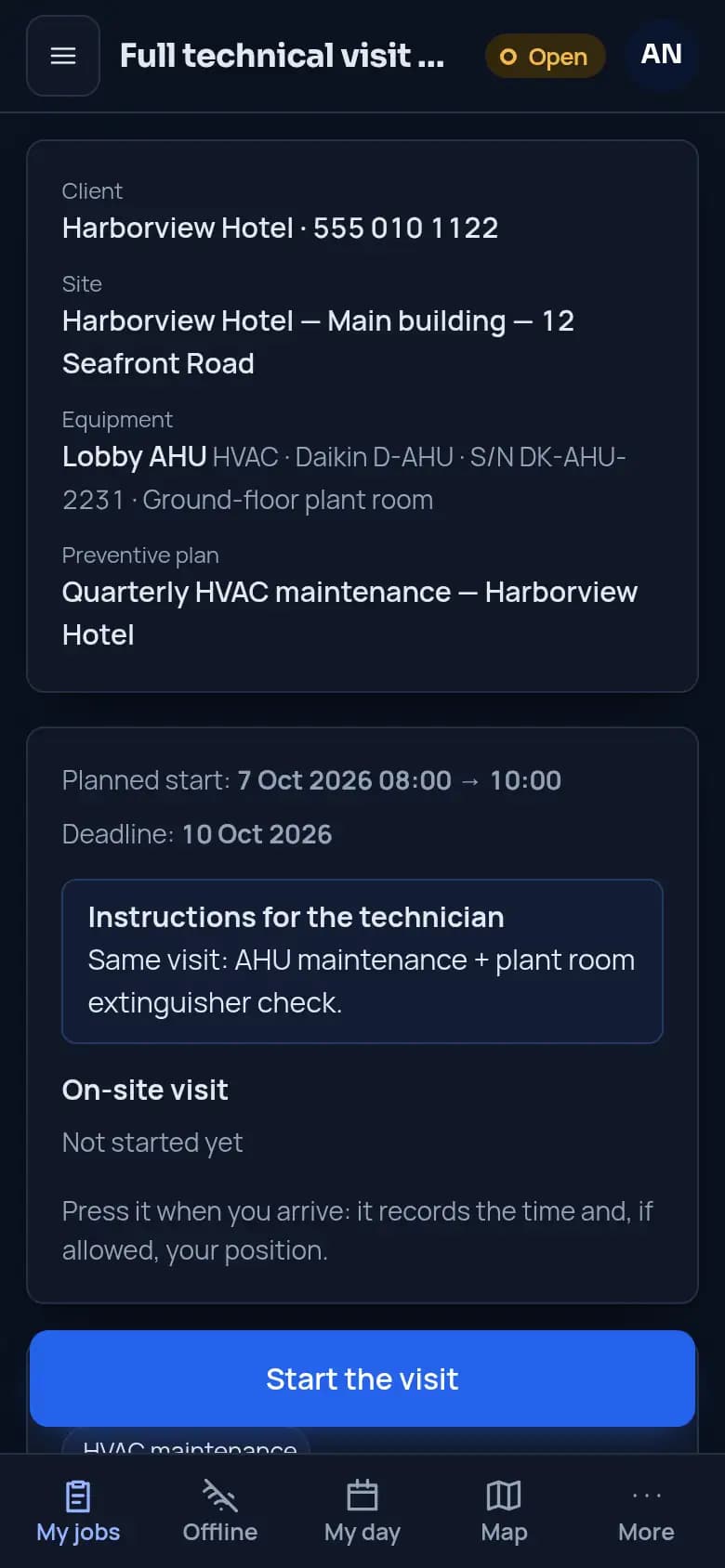
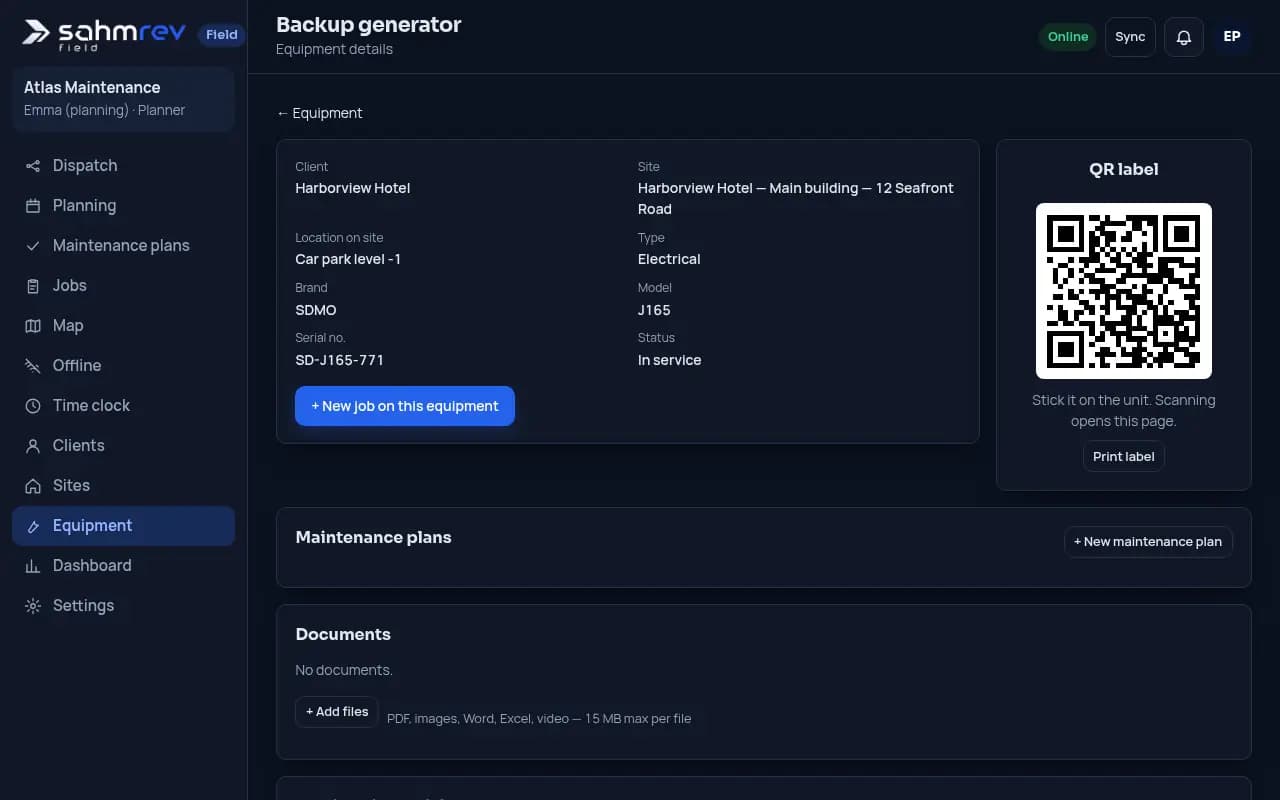
Read it at real size
Made for teams that maintain equipment
Forms, fields and reports are set up for your trade.
- HVAC and refrigeration
- Elevators and lifts
- Fire safety
- Facility maintenance
- Electrical and plumbing
Related reading
Try it as the office or as a technician
A demo company with clients, equipment, contracts and jobs. Change anything, since it is rebuilt every night.
Open the Field demoStart a free trial
Fill in the form, then work for 14 days with your own data in a workspace set up for your trade.
Start my trialStart today, with the demo or a message.
A few lines are enough. We reply with our questions and the next steps.