

What a technician’s job report should contain, and why a voice draft helps
What a technician’s job report must hold for the client and the office, and how a voice draft in a service report app fills it without typing.
The technician leaves, the plant room door closes, and the job report is the only part of the maintenance visit the client keeps. That page says what was found, what was done and who agreed. When it is thin, the office cannot invoice with confidence and the next technician starts from zero. The client cannot show an inspector what was checked either. A good report, on paper or in a service report app, is short and answers the same few questions every time.
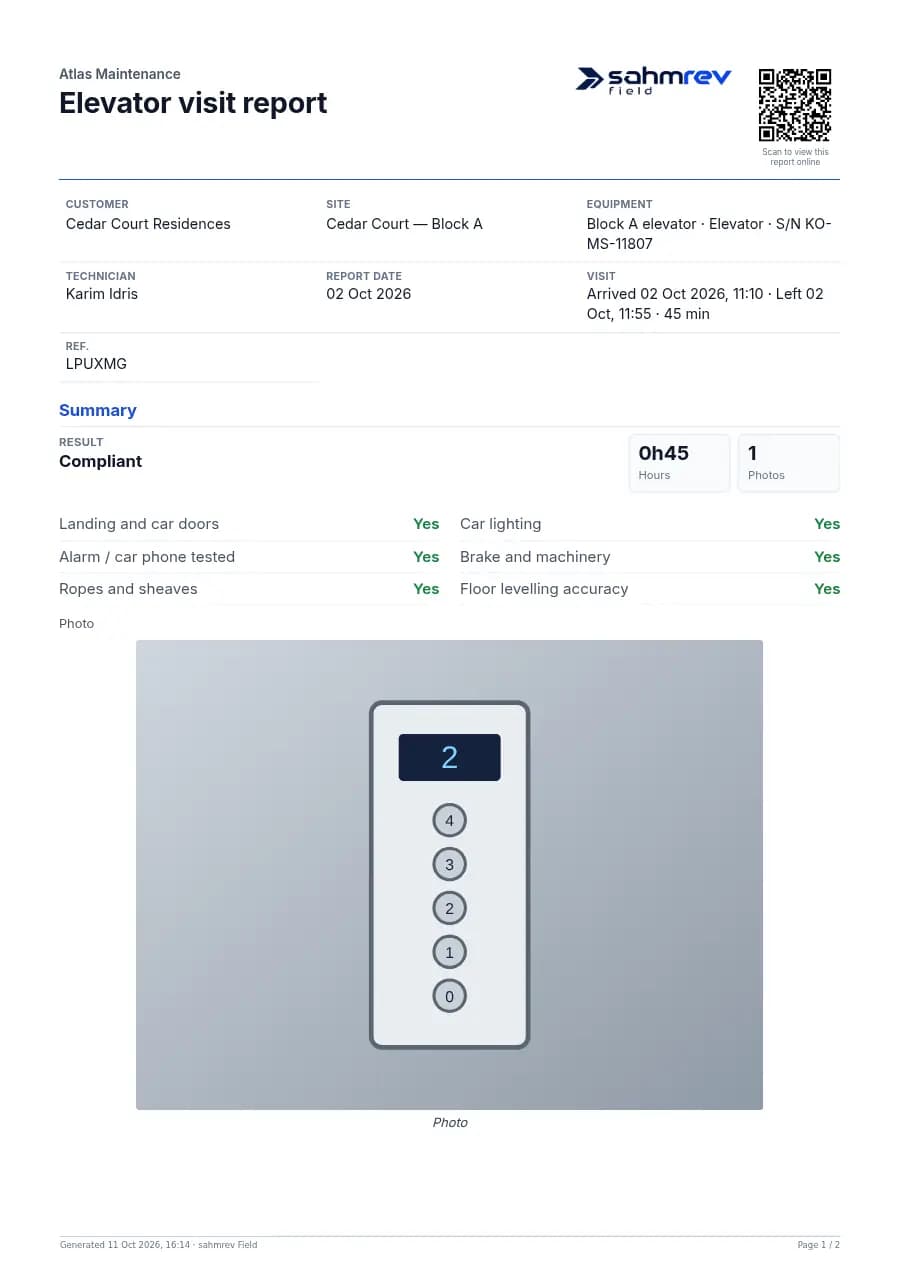
The report starts with where and on what: the client, the site or building, and the equipment, with its serial number when it has one. On a site with twenty air handlers, "unit on the roof" is not enough, and the report should name the one that was serviced. When equipment carries a QR label, scanning it opens the right unit, so the report starts with the right name.
The date of the visit and the time spent belong near the top as well. A report date, and for a longer job a timesheet of the days and the hours, tell the client how long the work took and the office what to invoice. Time written down on the day is closer to the truth than time remembered at the end of the week.
Write down the work and prove it
Next comes what was asked and what was done: the service type, the work order or purchase order number the client gave, and the work log. The log says what the technician did, in order, in plain words. The office reads this part when the invoice is questioned, and the next technician reads it before the next visit.
Findings and recommendations come next, and a technician’s job report is most often empty there. A technician who notices a worn belt or a leaking valve and writes nothing has done half the job. "What you found and what should be done next" is a short field to fill. The next quote often comes from it.
The report then records what was used and how long it took: the parts or materials, and the hours on site with the number of people. The technician measures and the office prices. With no prices on the technician’s phone, the report stays about the work, and the invoice built from it stays consistent.
Proof closes the report: photos of the work, the position where the visit took place, and signatures. A simple visit needs the client’s signature. A longer service report takes the technician’s and the client’s, and the client’s signature says the work is accepted. Each photo prints in the report with its caption, so the client sees the part that was replaced.
A voice draft fills the empty fields
Most of these fields are easy to fill. Technicians skip them because they are typing with gloves on, on a phone, in a basement or on a roof, at the end of a long job. With a voice draft, the technician presses a button and says what was done, as they would tell a colleague: "Replaced the fan belt on unit three, cleaned the filters, the condensate pump is noisy, recommend replacing it next visit."
In sahmrev Field, the recording, the names of the form’s fields and the answers already filled in are sent to an outside AI service, which turns the speech into text and proposes an answer for each field: the work log, the findings, the recommendation, the parts. The technician reads the draft, corrects it and sends it. Nothing goes to the client until the technician has sent the report and the office has approved it.
A voice draft also changes what ends up in the report. A technician who speaks says more than one who types: the noise of a pump, the state of a seal, the part that will need replacing soon. Reading the draft, they cut what is not needed and keep what the client should know, so the report grows where it matters.
This only happens when the company using Field has allowed it. A company that keeps its data on our server only does not see the voice button at all: the job says that the help is switched off, and the technician fills the form by hand. The voice draft is not available in the public demo, because it sends a recording to an outside service.
Filled without signal, approved by the office
Once the job is on the phone, the rest of the report needs no signal. The forms fill, photos and signatures are kept there, and the report is sent when the signal returns. Starting and leaving the visit works without signal too. When the visit ends, a signed PDF report is ready, in the client’s language when the client has one set, and it is emailed to the client when the office approves it.
For the office, a complete report means one less phone call. The person who approves it sees the photos, the findings and the hours in one place, and approves it before it reaches the client. When something is missing, the report itself shows it, and nobody has to discover it in a conversation a week later.
The equipment’s history grows with every visit reported this way. The findings feed the next quote, and the hours and parts feed the invoice without being typed again. The Field page shows the forms, the planning and the report, and the AI assistants page explains how voice and AI help is set up for a company.
Common questions
- What should a technician’s job report contain?
- The client, the site and the equipment; the service type and the client’s order number; the work done; findings and recommendations; parts and hours on site; photos, the position and the signatures.
- Does the voice draft send anything to the client by itself?
- No. The technician reads and corrects the draft, then sends the report. It reaches the client only after the office approves it.
- Can every company use the voice draft?
- Only a company that has allowed the outside AI service. Otherwise the button is not shown, and nothing leaves our server.
- Does the report work without signal?
- Yes. Once the job is on the phone, forms, photos, signatures and the visit’s start and end are kept there and sent when the signal returns. The voice draft itself needs a connection, since the recording goes to the service.