

One shop, many languages: serving customers in the language they speak
With multilingual shop software, the owner and the cashier each work in their own language, and every document leaves in the customer’s.
The owner keeps the accounts in their own language, the cashier talks to customers in another, and the delivery notes arrive in the supplier’s. In many shops all of that happens before noon. Customers walk in speaking whatever they speak, and most of the time people manage. Software is usually worse at it. Unless it is multilingual shop software, it speaks the language chosen when it was set up, and everyone else works around it.
The cost of working around it is small and comes every week. A cashier who reads the till in a language they half know is slower at the busiest hour and makes the mistakes that come from guessing. An invoice in a language the customer cannot read comes back with questions, or does not come back paid. The owner who cannot read the reports in their own language stops reading them.
Each person works in their own language
The fix starts with one rule: the software’s language belongs to each person. In sahmrev Commerce each user chooses their own language, for example English, French or Arabic. The owner can read the stock and the reports in Arabic while the cashier works the till in French and the bookkeeper checks the cash in English, all on the same stock and the same figures. When a user changes their language, the words on the screen change and the data stays as it was.
Most software treats Arabic as an afterthought. In Arabic the screen reads from right to left, and the menus, tables, forms and order of columns follow that direction along with the letters. Documents follow it too. A delivery note or an invoice in Arabic is laid out right to left, with the totals where an Arabic reader looks for them. It is written in Modern Standard Arabic, which reads the same in every Arabic-speaking country.
Numbers stay the same in every language. A price, a quantity and a total use Western digits, so a cashier and an owner who work in different languages read the same receipt without converting anything. Amounts and dates follow the app’s own formats, and nobody types a format by hand.
Search works the same way. A product is found by its barcode, its code or its name as it is written in the catalogue, whatever language the person searching works in. Changing your own language changes the buttons, the menus and the headings around the products, and their names stay as they are.
Documents in the customer’s language
The second rule is about the customer: documents leave in the customer’s language. On each customer’s card in Commerce there is a field called Language for documents. A shop that works in French can send a regular customer quotes and invoices in Arabic, and another in English, without anyone translating anything. Left empty, documents use the company’s language. The same field decides the language of the email that carries the PDF.
The words on a document matter as much as the language. An invoice shows the total in words, and that line is written in the customer’s language too, with the currency named in it. The quote’s terms, how long prices hold and what happens on delivery, are kept in every language the documents are sent in, so a quote in Arabic does not end with a paragraph in French.
Emails follow the same logic. When a quote or an invoice is sent by email, the subject line, the greeting and the few sentences around the PDF are in the customer’s language for documents, and the sender’s name is your company’s. A customer who reads Arabic opens an Arabic email with an Arabic invoice attached.
At the till and in training
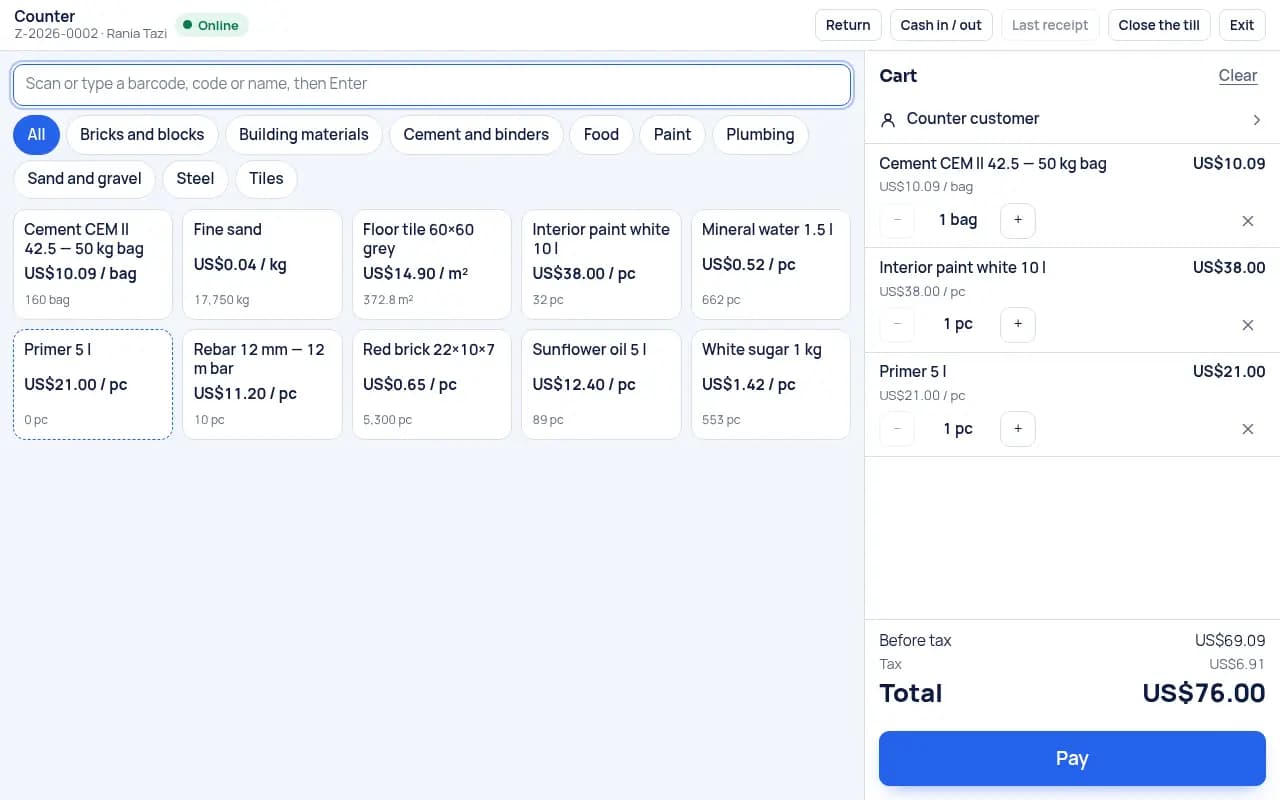
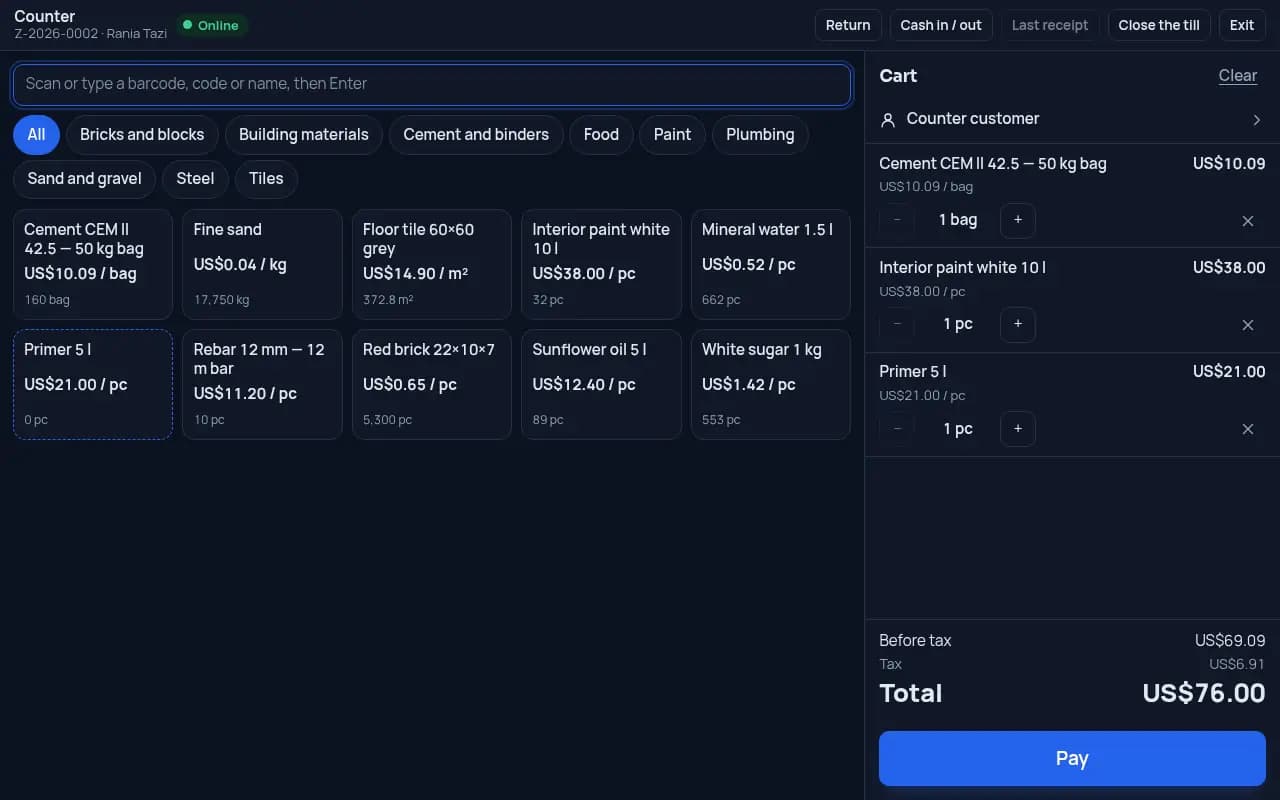
The till is where all of this is tested, because it is fast and public. A cashier scans or taps, takes cash, card or a mix, and hands over a receipt. The till screen speaks the cashier’s language, the products are found by barcode or by a touch grid of categories, and a sale keeps working when the connection drops. The customer at the counter sees a cashier who works the screen without struggling, and never sees the language setting.
Training follows the same rule. The guide inside Commerce exists in every language the app speaks, each step linked to the screen it describes, so a new cashier learns the till in the language they will use it in. A shop that hires a French-speaking cashier this month and an Arabic-speaking one next month does not need two kinds of training.
A few habits help a multilingual shop. Name products the way your shelf labels name them, so a cashier finds them by the word they see. Fill in the language for documents on the customers who prefer another language, the first time they buy on account. Keep one price list and let the documents carry it into each language. Separate price lists per language drift apart.
In sahmrev Commerce a shop has one stock and one till, each person works in their own language, and Arabic is laid out the way Arabic is read. The retail shop page shows the till, the drawer count and the stock, and the Commerce page lists what the product includes. The live demo opens in the language you choose, for example English, French or Arabic, and it can be changed at any time.
Common questions
- Can each employee use a different language?
- Yes. Each user chooses their own language, for example English, French or Arabic, and everyone works on the same stock and the same figures.
- Can a customer receive invoices in Arabic while my team works in French?
- Yes. Each customer’s card has a Language for documents. Their quotes, invoices and the emails that carry them use that language.
- Do Arabic screens and documents read right to left?
- Yes. Screens, tables and documents in Arabic are laid out right to left, in Modern Standard Arabic.
- Do the numbers change with the language?
- No. Prices, quantities and totals use Western digits in every language, so the same receipt reads the same for everyone.