

Counting stock without closing the shop: cycle counting by category
Cycle counting checks one category at a time while the shop sells. Plan it, count on a phone, allow for sales made meanwhile and explain each difference.
Once a year the doors close for a day or a weekend, everyone counts, and the shop opens again with new figures. Many traders still count their stock this way. Cycle counting does the same job in small pieces: one category at a time, on a schedule, while the shop keeps selling. It works in a yard, at a wholesaler or in a shop, and sahmrev Commerce records every count.
The yearly count fails for reasons that have little to do with effort. Tired people count thousands of lines against the clock. Every error of the year shows up at once, months late, when nobody remembers whether the missing bags of cement were broken, given away or never delivered. Because the day has to end, large differences are accepted. And between two counts, the screen drifts away from the shelves, so reorders rest on figures nobody trusts.
Count one category at a time
Cycle counting splits the catalogue into parts you can count in under an hour, and the natural parts are your categories: cement, tiles, paint and steel, or oil, sugar and water. Each category gets its turn. With twelve categories and one count a week, each one is counted a little over four times a year, since 52 weeks shared by 12 categories give 4.3 turns each. Fast sellers can come round more often: a food category counted every two weeks is counted 26 times a year. The schedule is yours to keep, on a calendar or a sheet by the door.
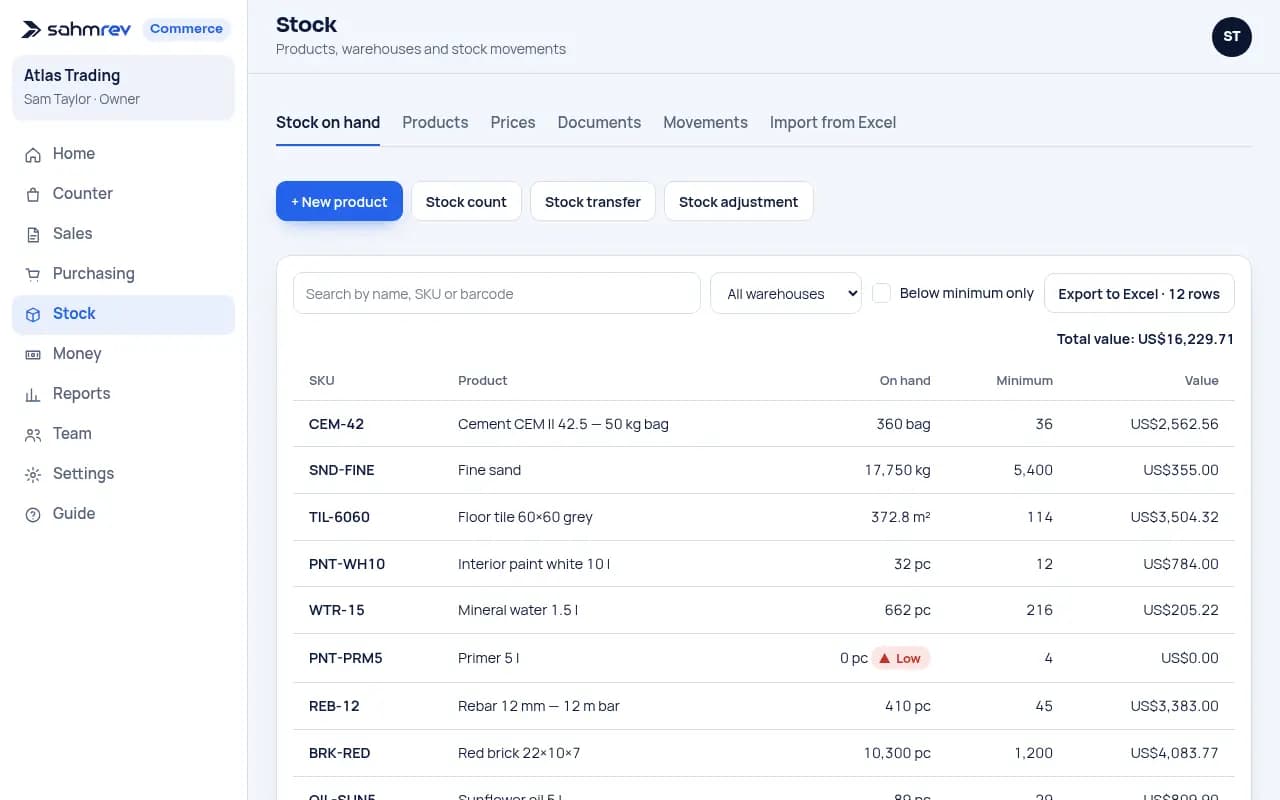
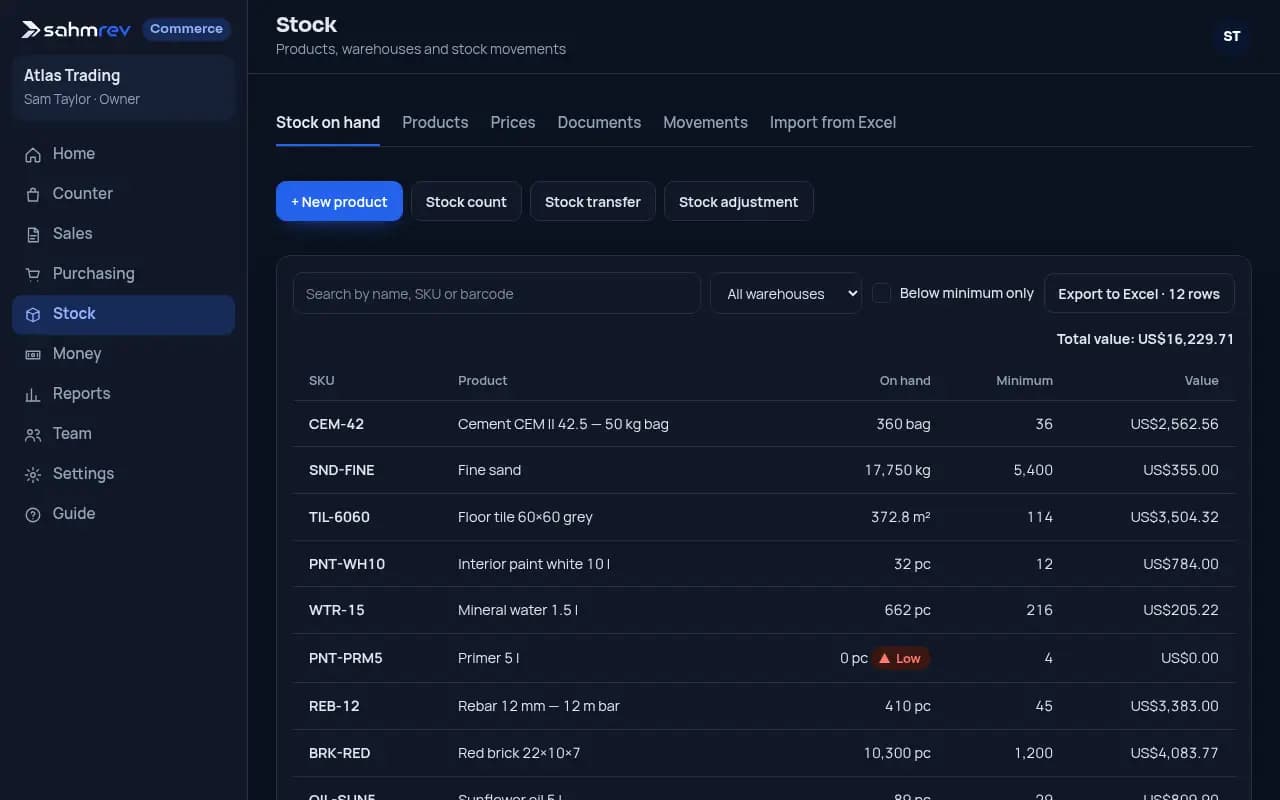
In sahmrev Commerce every product carries its category, and a stock count is a document for one warehouse, compared with that warehouse’s own stock. On the Stock page you press "Stock count", choose the warehouse and the date, and add what you count. The note can name the category and the week. The count stays a draft while you work, and nothing moves in the stock until it is posted. Products followed by lot get one line per lot, so a food count says which lot is on the shelf.
Count on a phone during sales
The count screen works in the phone’s browser, so the person counting walks the aisle with it. A product is added by searching its name or SKU, with a handheld scanner, which types the barcode and presses Enter, or with the phone’s camera in Chrome on Android. Scanning the same item again adds one to its line. A carton’s barcode brings its own unit, and the unit can be changed on any line, so full cartons are typed as cartons and loose items as pieces. Posting turns every line into the base unit.
While you count, the screen shows only what has been typed. The expected quantity and the difference appear once the count is posted, so people count what is on the shelf without a figure in front of them to match.
The shop keeps selling during a cycle count, so the moment of comparison matters. Commerce compares the count with the stock at the moment you post it. The stock at that moment already includes a ticket at the till, a delivery note or goods received from a supplier. A confirmed order only reserves goods and leaves the figure as it is. Suppose you count 40 bags of cement at 9:00, a customer leaves with 2 at 9:20, and you post at 9:30. The stock then says 38 and your count says 40, so the count would put back two bags that have left. So count a category in a quiet hour and post it before the next sale. If a sale slips in, count that shelf again.
Differences get a value and a reason
Once posted, each line shows Counted, Expected and Difference, and each difference becomes a Count movement in the stock, valued at the product’s average cost. The demo has an example in its main warehouse: white sugar 1 kg, 600 expected and 588 counted, a difference of −12. At an average cost of 0.98, that count takes 11.76 off the stock value, a figure people with the costs right see in the movements list. The mineral water on the same count matched its 720 and moved nothing.
Posting a count needs the stock right, which the owner, administrator, manager, purchasing and warehouse roles have by default, and rights can be changed person by person. You can let the person who counts save the draft and leave the posting to a manager. A posted count never changes. If a line was wrong, count the shelf again and post a stock adjustment with its reason, such as correction, damaged, lost or found.
A van is a warehouse of its own. In sahmrev Distribution, an early version, it is counted twice a day. In the morning the load is counted at the ramp: the phone proposes yesterday’s load less what is still on board, and what is counted is posted as a transfer from the warehouse to the van.
In the evening the day close lists every product the van’s stock says is on board, and each one must be counted. A difference needs a reason: damaged, missing, found extra, count mistake or other. If the van should hold 46 packs of water, 44 are counted and the gap is marked damaged, the close posts an adjustment of 2 packs with that reason and unloads the 44, unless they stay on the van for tomorrow. The driver and the office both sign, the office confirms, and only a manager can reopen a closed day, with a reason that is kept.
sahmrev Commerce is the base product: sales, purchasing, stock and money in one place, set up for your trade, and stock counts are part of it. In the live demo, come in as the owner and open Stock, then Documents: you will find the posted sugar count and a draft count in the North yard that you can post yourself. The demo resets every night. Distribution is an early version and has no public demo.
Common questions
- Do I have to close the shop to count the stock?
- No. Count one category in one warehouse and post it straight away, while other products sell as usual. A sale of a product being counted should be posted before you count it, or the shelf counted again, because the count is compared with the stock at the moment it is posted.
- Can the count be done on a phone?
- Yes, in the phone’s browser. Search by name or SKU, use a handheld scanner, or scan with the camera in Chrome on Android, then type the quantity in the unit you see on the shelf.
- Who can post a stock count?
- Anyone with the stock right: by default the owner, administrator, manager, purchasing and warehouse roles. A posted count never changes; a correction is a new adjustment with its reason.
- How is the stock of a van counted?
- In sahmrev Distribution, an early version, the load is counted at the ramp in the morning and every product on board is counted at the day close. Each difference needs a reason, the driver and the office sign, and the office confirms.